
Resources
This free RoPA template gives you a Record of Processing Activities you can fill in today, with every column that GDPR Article 30(1) asks for and one worked example row to copy. It is a plain Excel RoPA template, built for the data protection lead, DPO, or CISO who needs an accurate register without buying software first. A RoPA is the map of how your organisation uses personal data, and it is the first document a supervisory authority asks to see. Download it below, then read on for what each column means, which obligations actually matter under GDPR, and how to keep the record current once the spreadsheet stops scaling. No install, and nothing to reformat before you start.
Free download
Get the GDPR RoPA Template
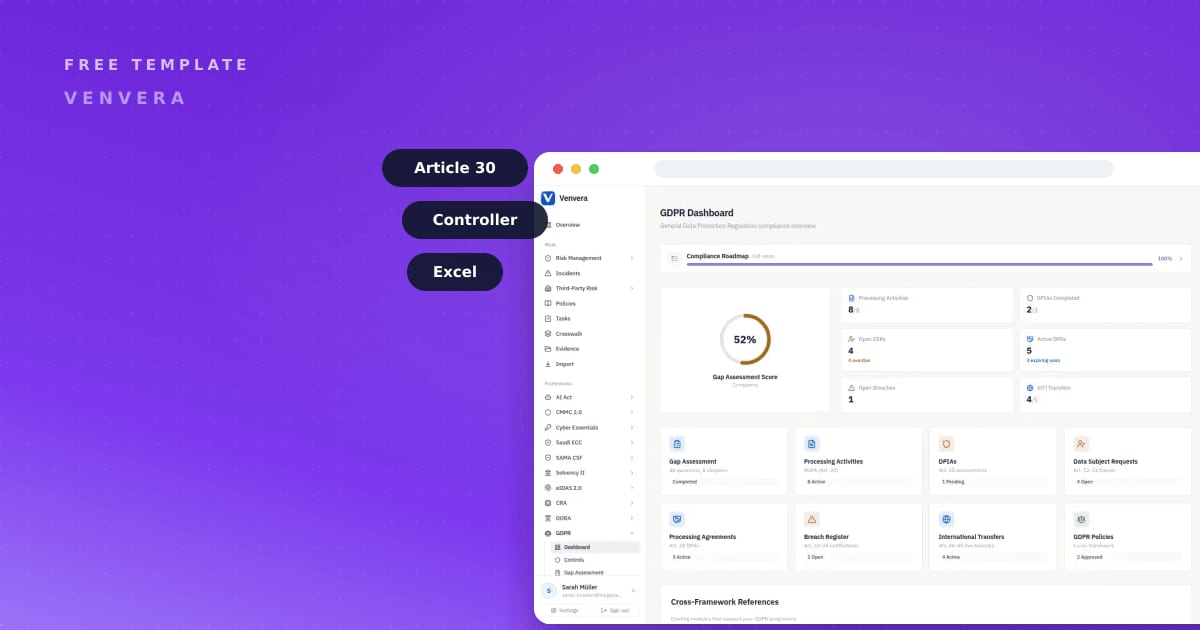
A Record of Processing Activities with the Article 30(1) columns and a filled example row. Controller version, ready to adapt.
What the GDPR RoPA Template covers
The file is a single Excel sheet with one column for each field that Article 30(1) requires, so nothing is missing and nothing is padded. From left to right you get: the name and contact details of the controller, plus space for any joint controller, EU representative, and data protection officer; the purposes of the processing; the categories of data subjects and the categories of personal data; the categories of recipients who receive the data; any transfers to third countries and the safeguards that protect them; the envisaged retention or erasure time limits where you can state them; and a general description of the Article 32 technical and organisational security measures.
The first row is filled in for you with a realistic example, a payroll processing activity, so you can see the level of detail an auditor expects before you write your own. A second tab lists the categories most teams reuse, such as employees, customers, and website visitors, so you are not inventing labels from scratch. Delete the example, copy the row format, and keep going down the sheet one activity at a time. Be realistic about the shape of this work. Writing a row takes minutes. Finding out what genuinely happens in payroll, in the CRM and in that one legacy reporting database takes weeks, because the answer lives in people's heads and those people are busy. A RoPA is an interviewing exercise with a spreadsheet attached.
GDPR the honest way: what actually matters
A Record of Processing Activities is not optional paperwork. Under GDPR Article 30(1), a controller must keep a written record of its processing activities, and that record must contain the specific fields listed above. It is the document a supervisory authority requests first in an investigation, because it shows whether you actually know what personal data you hold and why. Article 30 is one of the better drafted parts of the GDPR: it names the fields, so there is no interpretive argument to have about what belongs in the record. The obligation is unusually cheap to satisfy and unusually expensive to have failed, which makes it the first thing to do and a bad thing to defer.
Two points trip people up. First, controllers and processors keep different records. If you decide the purposes and means of processing, you are a controller and Article 30(1) applies in full. If you only process data on another organisation's instructions, you are a processor and keep the narrower record set out in Article 30(2). Many organisations are both, for different activities, and need both records. The instinct is to pick one label for the whole company, and that is almost always wrong. Decide the role activity by activity and write it on the row, because the answer changes what you owe.
Second, the exemption almost never helps. Article 30(5) appears to excuse organisations with fewer than 250 employees, but the carve-out is narrow: it falls away as soon as your processing is not occasional, could risk the rights of data subjects, or includes special category data. For most real businesses at least one of those is always true, so the practical answer is to keep a RoPA regardless of headcount. Building it once, properly, is cheaper than arguing about the exemption later.
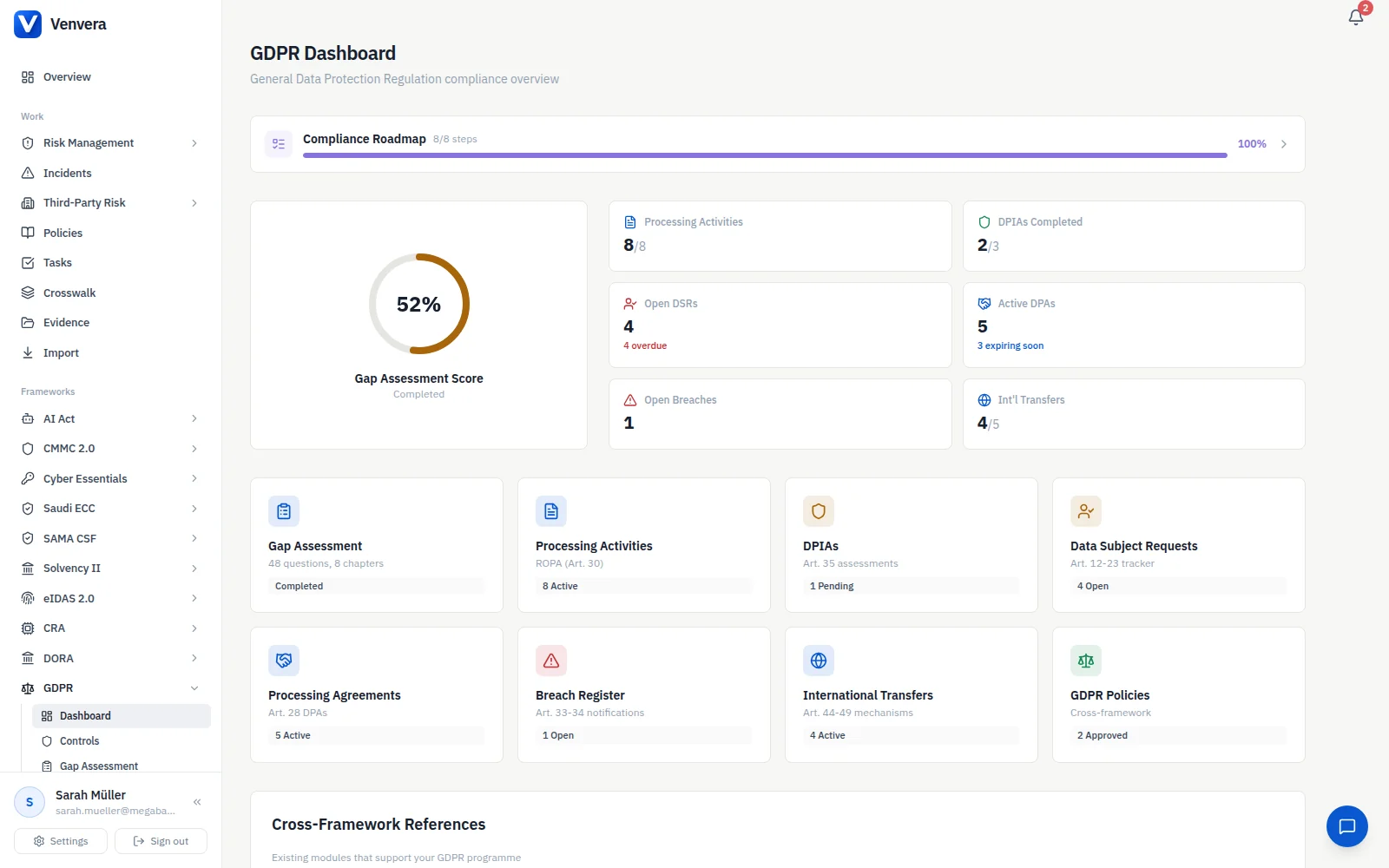
A RoPA also feeds the rest of your GDPR programme. It is where a Data Protection Impact Assessment starts, so pair it with our DPIA template, and it maps directly onto the wider GDPR compliance checklist.

How to use the GDPR RoPA Template
- Download the template using the form above and save a clean master copy before you edit anything.
- List every processing activity as its own row. Start with the obvious ones: payroll, recruitment, marketing, and customer support. Pitch each row at a level a business person would recognise. Registers fail in both directions: a single row saying "customer data" tells nobody anything, and a row per database table becomes a maintenance burden you will quietly abandon before the second review.
- For each row, fill the Article 30(1) columns left to right, using the example row as your guide for the right level of depth.
- State retention periods wherever you can. Where a period is genuinely undefined, record the criteria you use to decide instead. Retention is the column that stalls most registers, because it forces a decision the business has been avoiding and someone always says "keep it forever, just in case". Do not let the whole register wait on that argument. Record the criteria, flag the row for a decision, and keep moving.
- Have the DPO or data protection lead review it, then set a recurring date to revisit it. A RoPA is only useful while it is current.
Do this automatically in Venvera
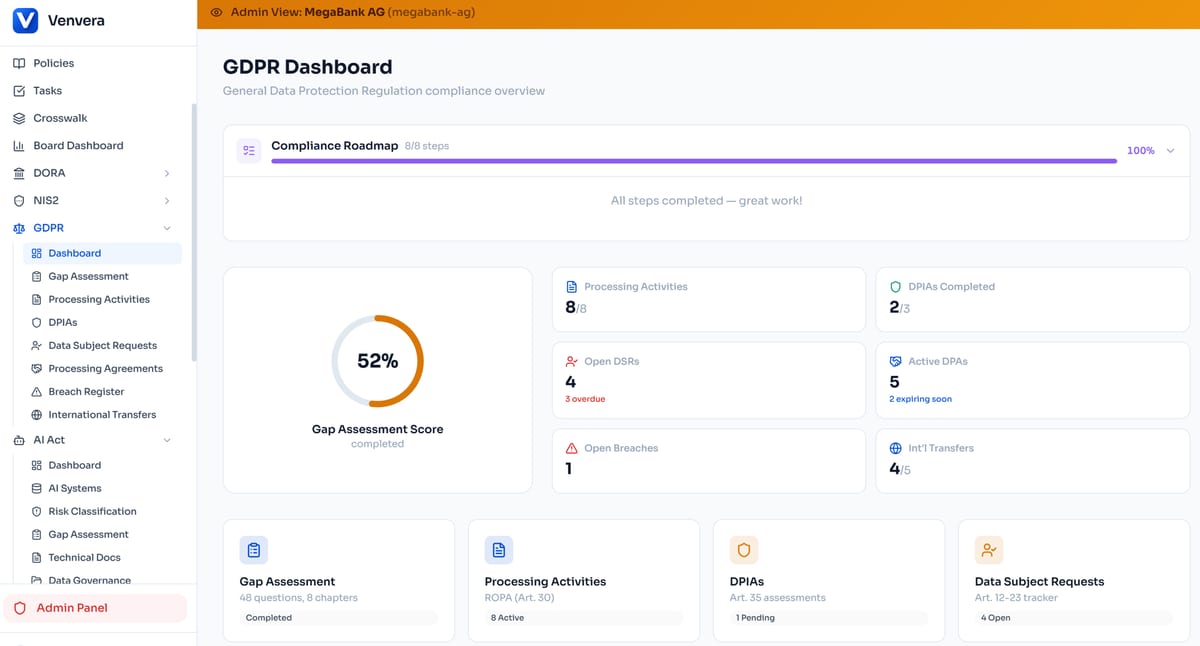
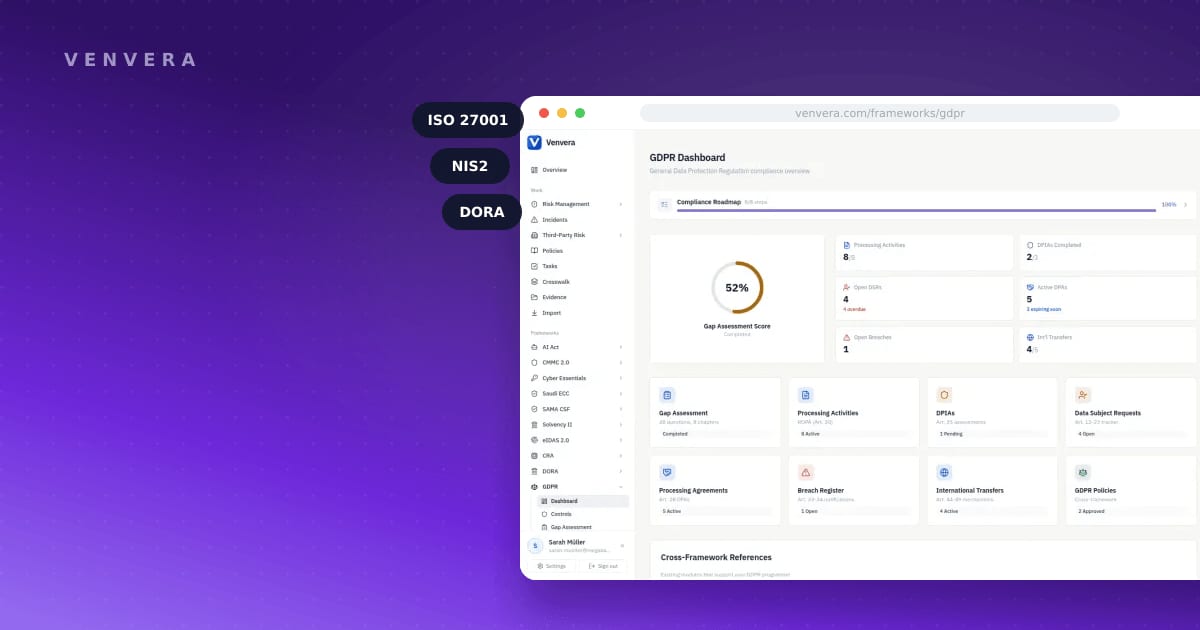
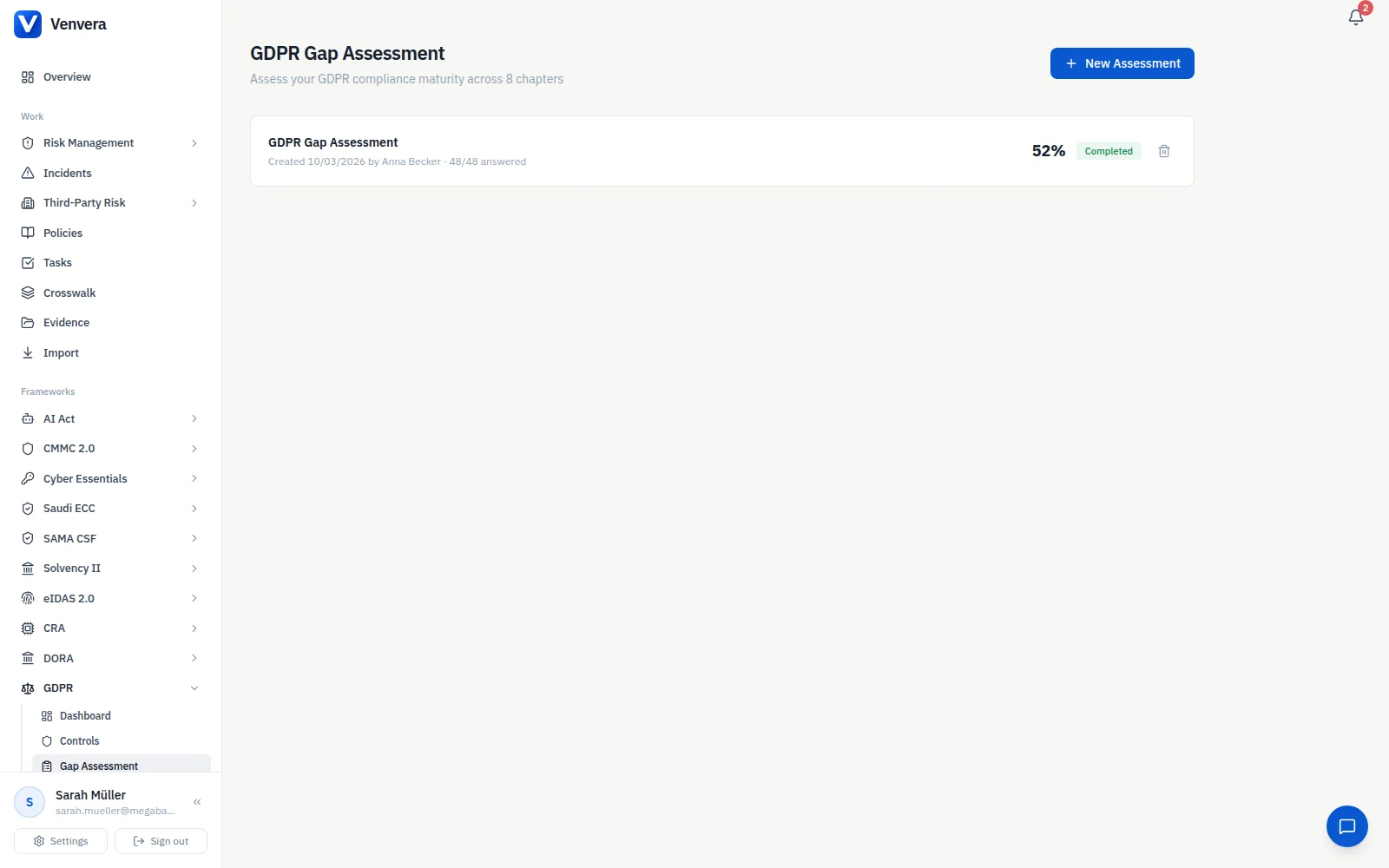
A spreadsheet is the right place to start and the wrong place to finish. The moment activities change, owners move, or a new system starts processing data, a static RoPA template drifts out of date and no one notices until an audit. Venvera keeps the same Record of Processing Activities live: activities link to the systems and controls behind them, retention and recipients update in place, and the evidence you gather for GDPR reuses across the other frameworks you report against, so you are not re-documenting the same processing five times. You can see how it works on the GDPR framework page, and plans start from EUR 399/month. The template gets you a defensible record this week; the platform keeps it defensible next year.
Frequently Asked Questions
Is a RoPA mandatory under GDPR?
For controllers, yes. Article 30(1) requires a controller to maintain a written record of its processing activities containing the listed fields. Processors keep a narrower record under Article 30(2). The Article 30(5) exemption for organisations under 250 employees is narrow and usually falls away, so most organisations keep a RoPA regardless.
What is the difference between a controller and a processor RoPA?
A controller decides the purposes and means of processing and keeps the fuller record under Article 30(1), covering purposes, data subjects, recipients, transfers, retention, and security measures. A processor acts on a controller's instructions and keeps the narrower record described in Article 30(2). Organisations that do both keep both.
What columns should a RoPA template have?
The Article 30(1) fields: controller and DPO contact details, purposes of processing, categories of data subjects and personal data, categories of recipients, third-country transfers and their safeguards, envisaged retention time limits where possible, and a general description of the Article 32 security measures. This free RoPA template includes a column for each.
Do I still need a DPIA if I already have a RoPA?
Yes, they do different jobs. The RoPA records what processing happens; a Data Protection Impact Assessment evaluates the risk of high-risk processing before it starts. The RoPA often tells you which activities need a DPIA, so teams keep both and link them. See our DPIA template to go further.