The reporting clock starts itself the moment the incident does.
DORA gives you four hours. NIS2 gives you twenty-four. GDPR gives you seventy-two. Miss one and the exposure is real. Venvera classifies the incident once, decides which obligations apply, and starts every countdown at the moment the incident does - each with a template pre-filled from the record. You review and submit under control, not build three reports from scratch at 2am.
The incident is bad enough. The deadline you forgot is worse.
When an incident hits, the last thing anyone should be doing is looking up which regulator needs what, by when. But that is exactly what happens when the clocks live in people's heads and the templates live in a folder. The reporting deadline becomes something someone had to remember, under pressure, with the exposure landing on named individuals. Venvera removes the memory from the loop: classify once, and the right obligations, countdowns and pre-filled reports appear on their own.
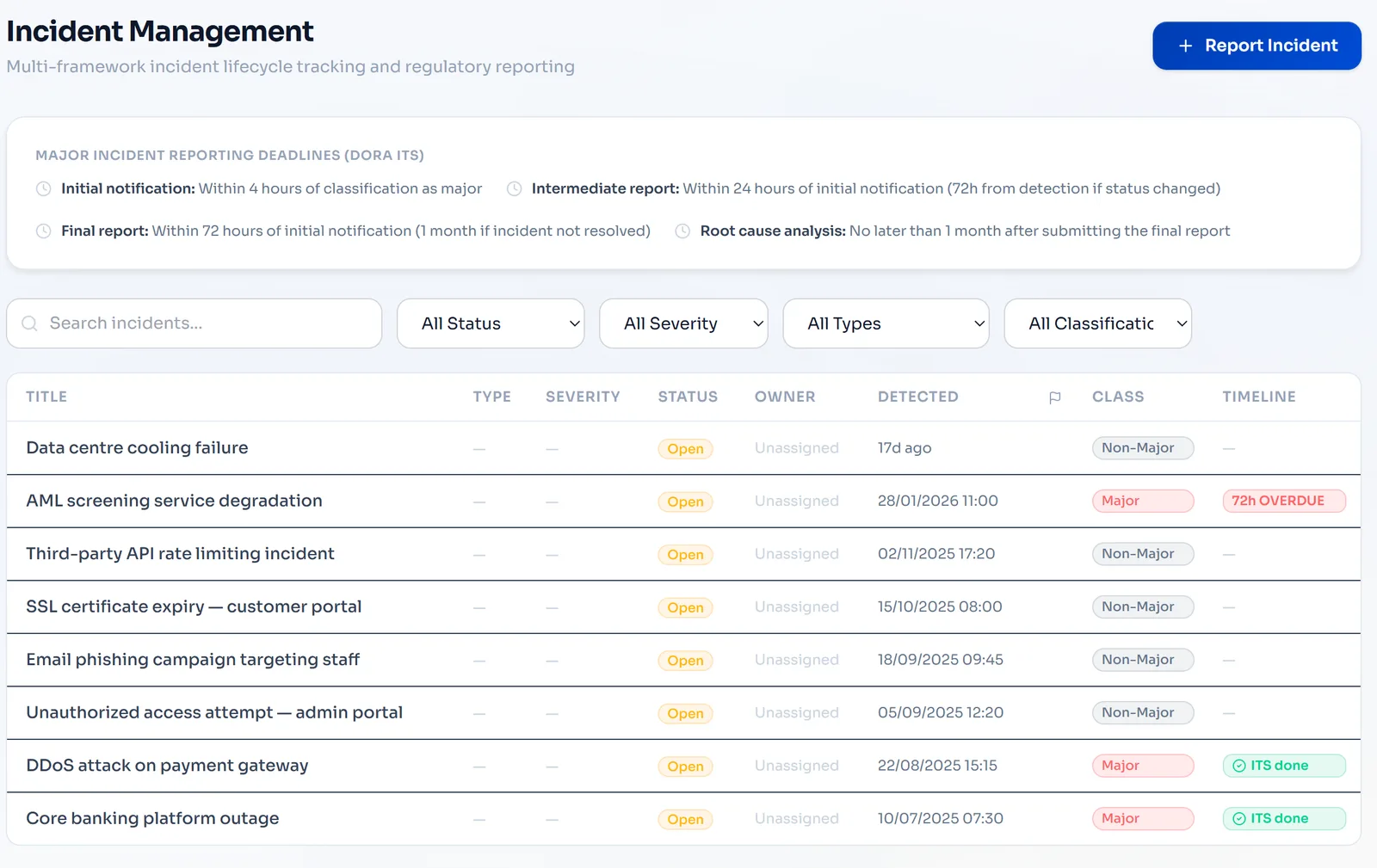
One register holds every incident, whatever framework it triggers.
Log an incident once and track it from detection to resolution. Eight incident types, four severity levels, ownership and escalation, and a full audit trail on every status change. The same entry is classified against every framework that applies, from GDPR and NIS2 to DORA Article 17, so there is one source of truth when a regulator comes knocking.
- 8 incident types: cybersecurity, service disruption, data breach, system failure, third party, fraud, physical, compliance
- 4 severity levels with clear threshold definitions
- Multi-framework classification from a single entry
- Ownership and escalation workflows built in
- Full audit trail on every status change and update
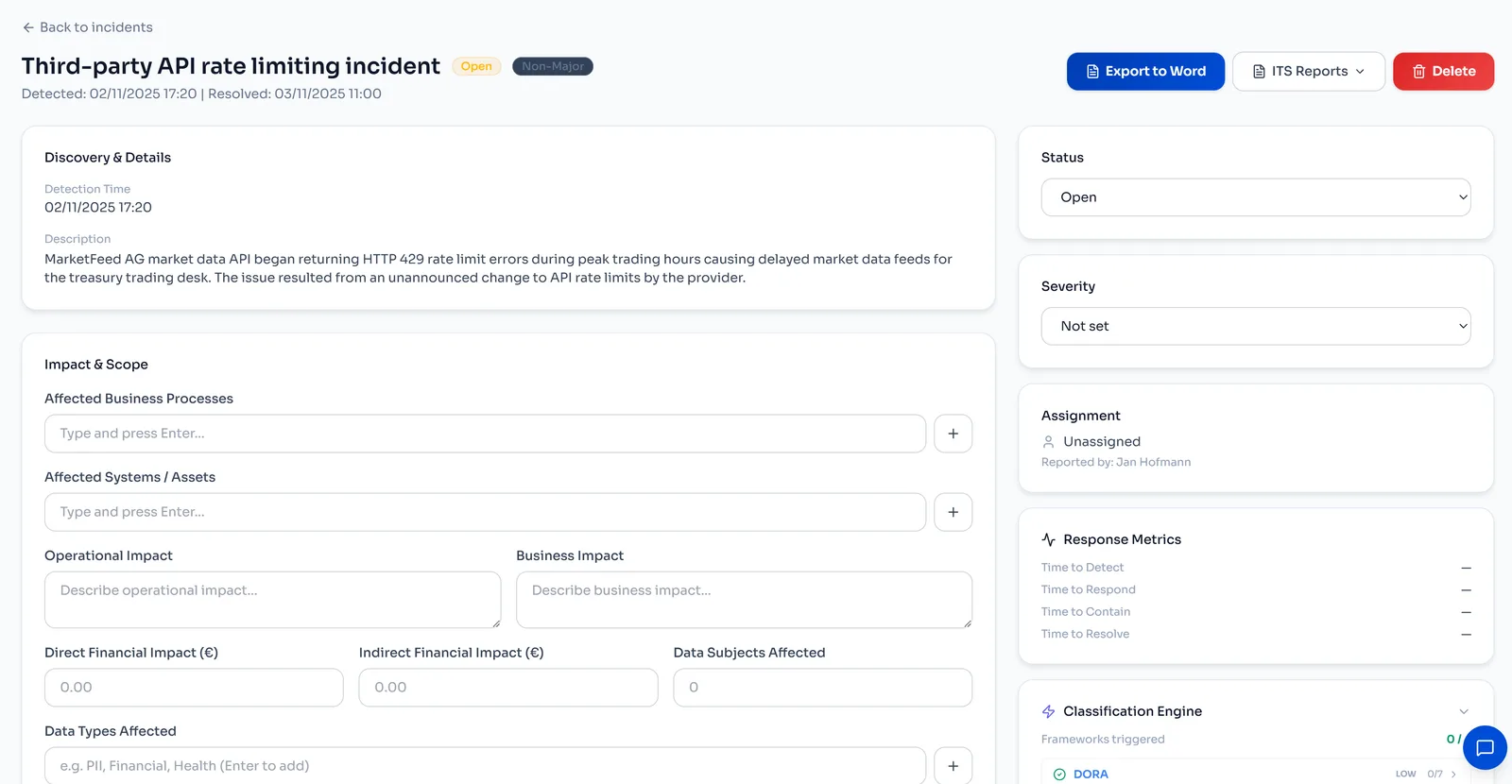
Every reporting clock starts the moment the incident does.
Classify the incident once and Venvera decides which obligations apply and starts every countdown at the same moment. GDPR gives you 72 hours to the DPA, NIS2 gives you a 24-hour early warning, DORA gives you 4 hours to the competent authority once an incident is classified as major. Each clock runs on your dashboard with colour-coded status and automated alerts before it lapses.
- DORA: 4h initial notification, 72h intermediate report, 1 month final report
- NIS2: 24h early warning, 72h notification, 1 month final report
- GDPR: 72h DPA notification with data subject tracking
- Visual countdowns with automated email and in-app alerts
- Status tracking: pending, in progress, submitted, overdue
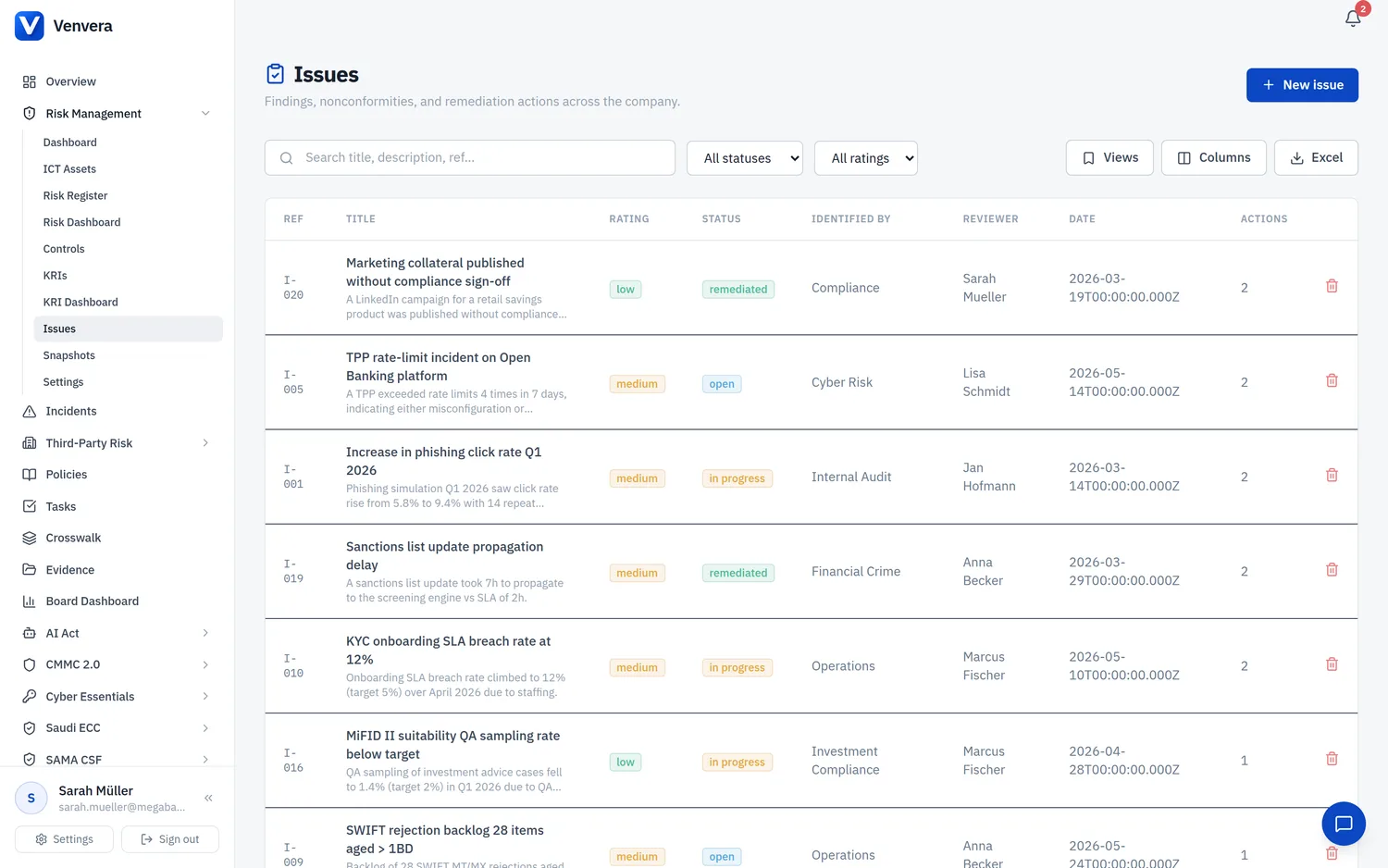
Turn the post-mortem into corrective actions that actually close.
After resolution, document the root cause, contributing factors and lessons learned, then track corrective actions with owners and deadlines. Link each action back to your risk register and control library so incidents drive real improvement, not just a report. Supports the final-report and lessons-learned obligations across frameworks, including DORA Article 17 for major incidents.
- Structured root cause analysis with contributing factors
- Corrective actions with owners and deadlines
- Actions linked back to your risk register entries
- Lessons learned captured for final regulatory reports
- Recurrence-prevention measures with effectiveness tracking
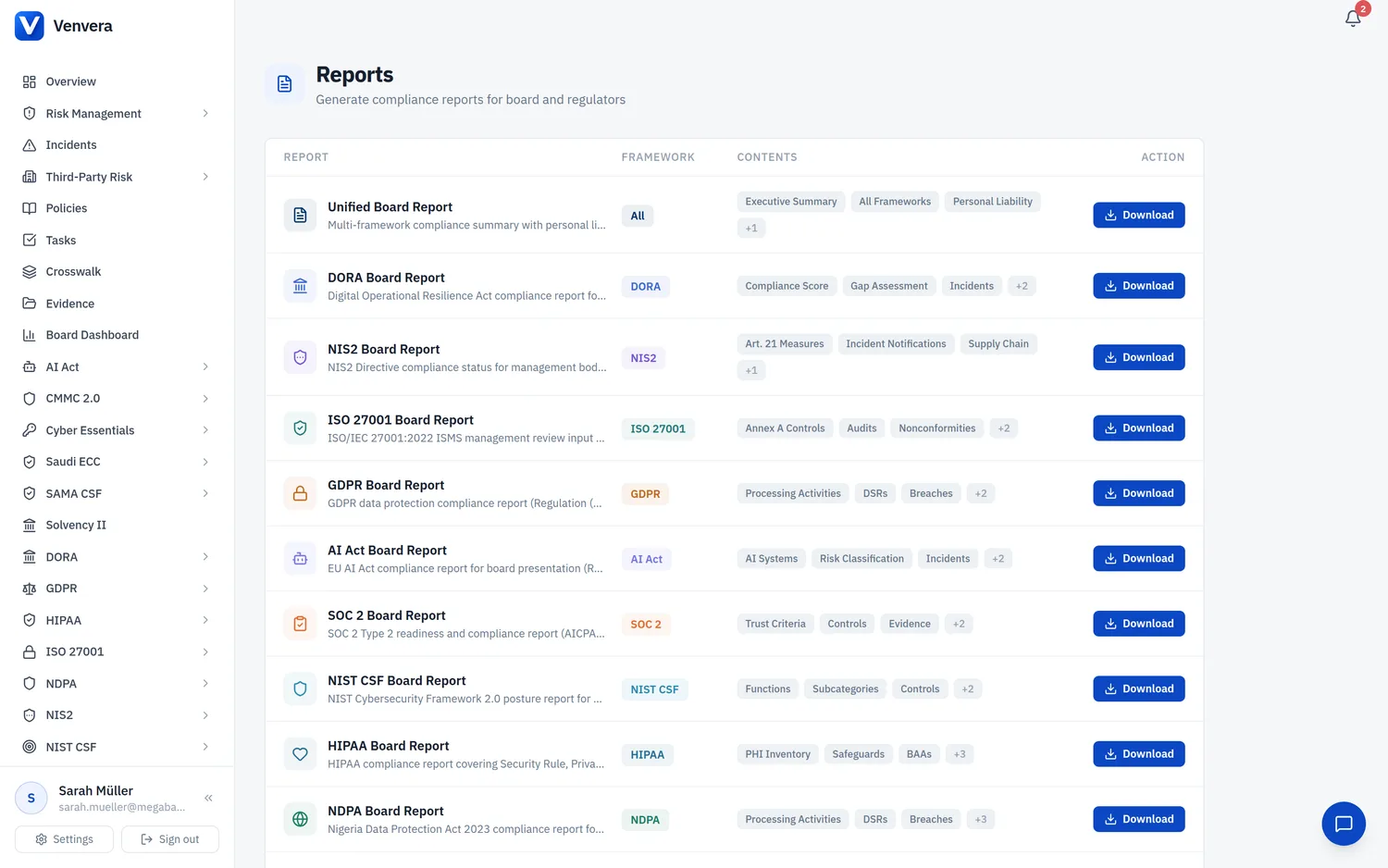
The report the authority wants, pre-filled and one click away.
Generate pre-formatted reports for competent authorities straight from the incident record. DPA breach notification forms for GDPR, structured CSIRT notifications for NIS2, xBRL-CSV export for DORA ESA submission. Everything is pulled from data you already entered, so you review and export instead of re-typing under pressure. Versioned across the initial, intermediate and final stages.
- DPA breach notification forms for GDPR supervisory authorities
- Structured CSIRT notification documents for NIS2
- xBRL-CSV reports for DORA ESA submission
- Pre-filled from the incident record, review and export
- Report versioning: initial, intermediate and final
Every screenshot and log file, encrypted and ready for the auditor.
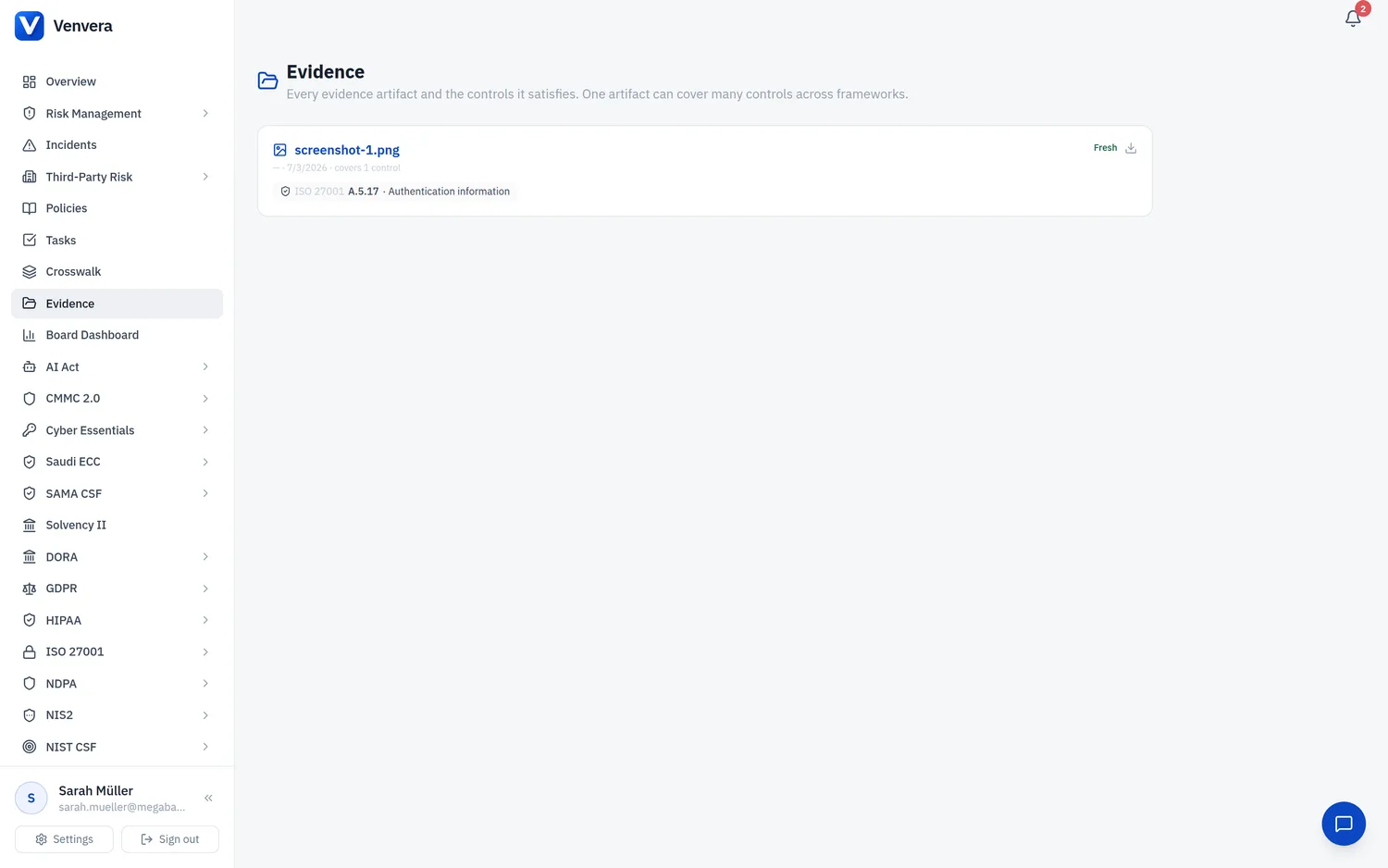
Attach supporting evidence, screenshots, log files, forensic reports and communication records directly to the incident record. Everything is AES-256-GCM encrypted at rest with per-tenant keys, with a full audit trail showing who uploaded what and when. When an auditor or competent authority asks, it is already in one place and already linked to the report.
- Upload screenshots, logs, forensic reports and communications
- AES-256-GCM encryption at rest with per-tenant keys
- Full upload audit trail with timestamp and user attribution
- File type validation and malware scanning
- Linked evidence referenced in authority reports
The spreadsheet or Venvera.
Incident questions, answered.
Never miss a reporting deadline again.
Start with a free compliance check - see your incident readiness across DORA, NIS2 and GDPR in minutes.
✓ Every paid plan: audit-ready in 90 days, or your money back*
10 minutes · no email to start · no credit card · yours to keep