Policies mapped to the controls they actually satisfy.
A policy that lives in a shared drive proves nothing. Venvera keeps your policies in one library, versioned and approved, and maps each one to the framework controls it satisfies - so a policy is not just a document, it is evidence, and opening it shows exactly which controls it covers and which still need proof.
A policy on a drive is not compliance. It is a document.
Most policy problems are not about writing - they are about proof. The policy exists, but is it the current version, who approved it, and which controls does it actually satisfy? When an auditor asks, a folder of Word files is not an answer. Venvera turns the library into a compliance artifact: versioned, approved, and mapped to the controls each policy covers, so you can see at a glance which of a policy's controls still need evidence.
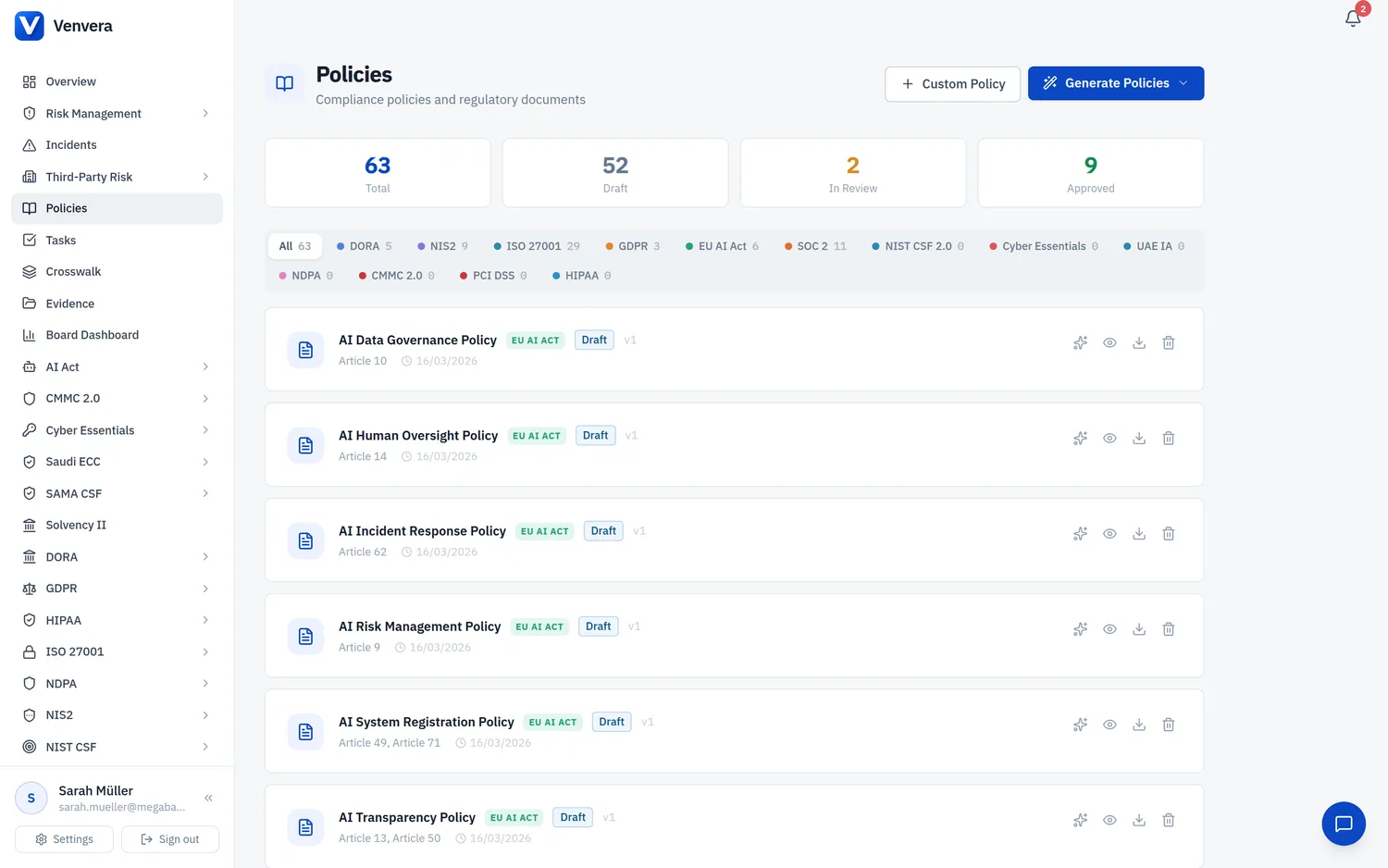
Go from a blank page to a review-ready policy in minutes.
Select a framework and policy type, and the AI generates a complete policy document with proper structure, regulatory article references and control-specific language. Coverage metrics are calculated immediately so you see which control objectives are addressed before you start editing. Choose a tone, customise the output, and move to review in minutes instead of weeks.
- Framework-aware generation with specific article references like DORA Art. 6 and ISO 27001 A.5
- Immediate coverage score showing the percentage of controls addressed
- Formal, Technical or Executive tone presets
- Section-by-section mapping to control objectives
- Edit the AI output before submitting it for review
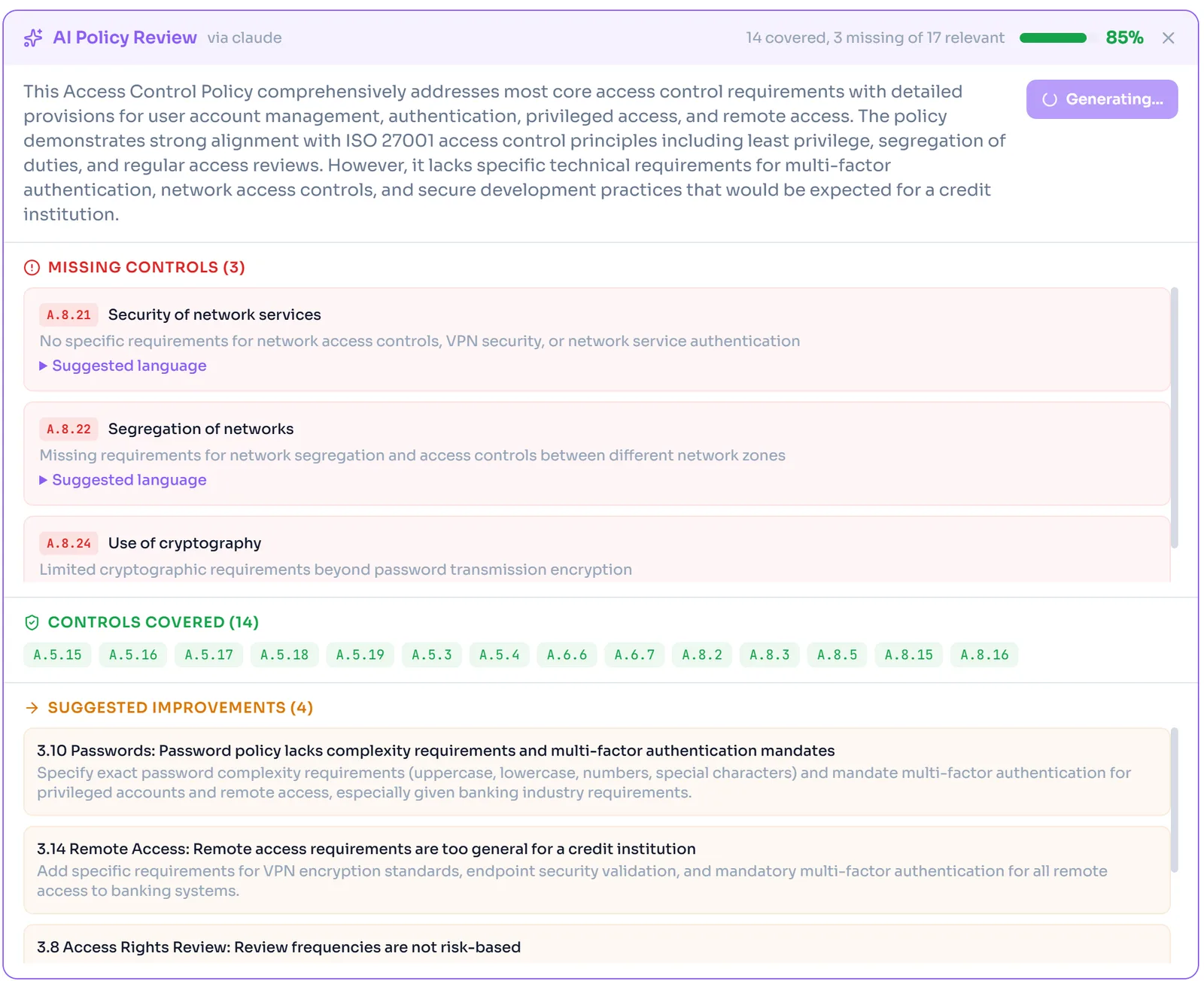
Know your control gaps before the auditor does.
The AI scans your policy text against every control objective in the framework. Covered controls are listed with the section that satisfies them; missing controls are flagged with suggested language you can insert directly. When a policy goes for review it also returns improvement recommendations and a language clarity score, so reviewers get a structured checklist instead of reading every line.
- Control-by-control coverage with pass or fail indicators
- Missing controls flagged with suggested policy language
- Coverage percentage tracked over time as policies change
- Works on AI-generated drafts and uploaded existing policies
- AI review recommendations and language clarity scoring
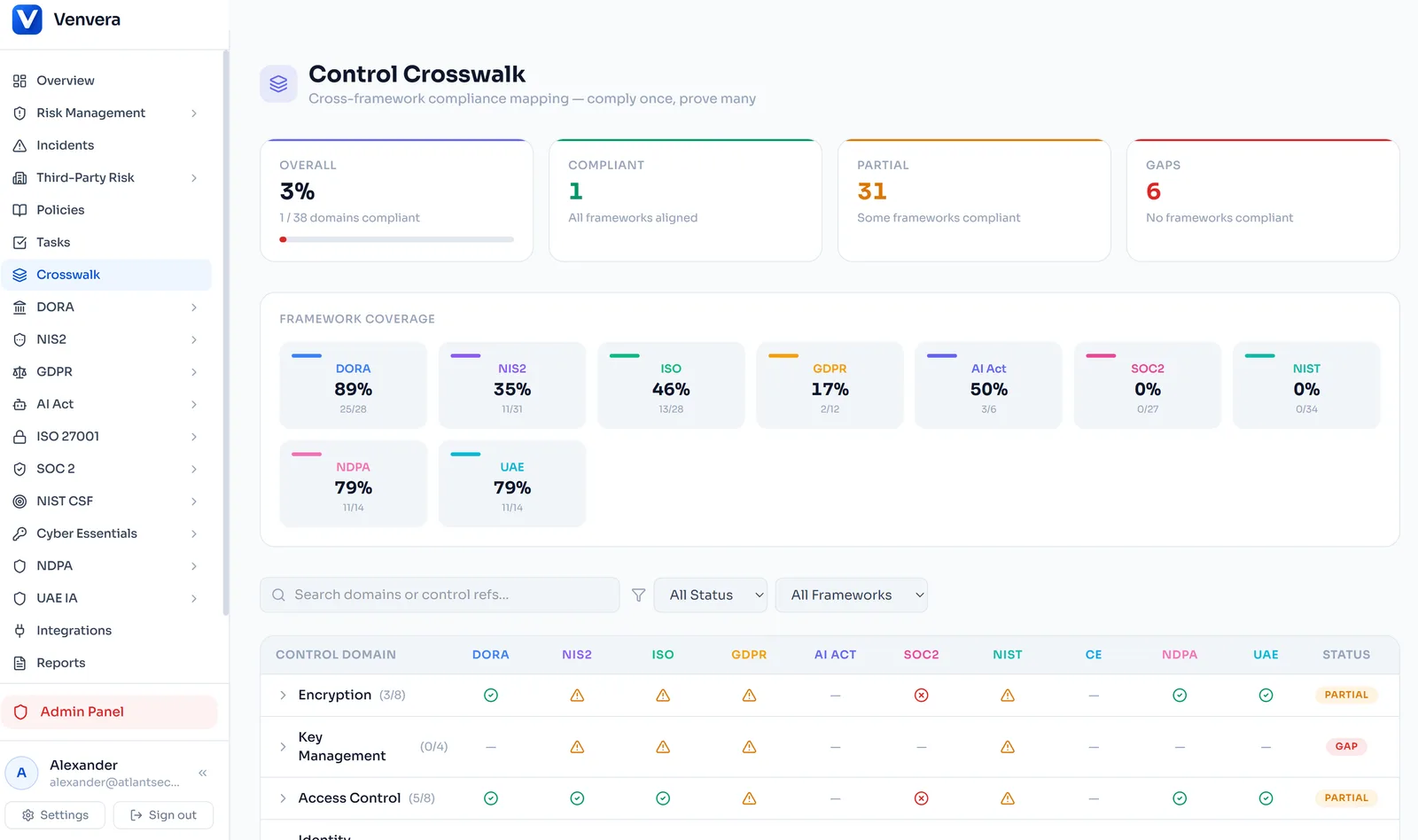
Start every policy from a current, framework-aware template.
Pre-built policy templates for every framework Venvera supports, from ISO 27001, SOC 2 and GDPR to NIS2, DORA and SAMA CSF. Each framework includes multiple policy types covering the major control domains, and templates are updated when regulations change so your starting point is always current.
- Multiple policy types for every framework you run
- Templates mapped to specific regulatory articles and control objectives
- Updated to reflect regulatory changes and enforcement guidance
- Use as-is or customise to match your organisation
- One-click generation from any template with AI enhancement
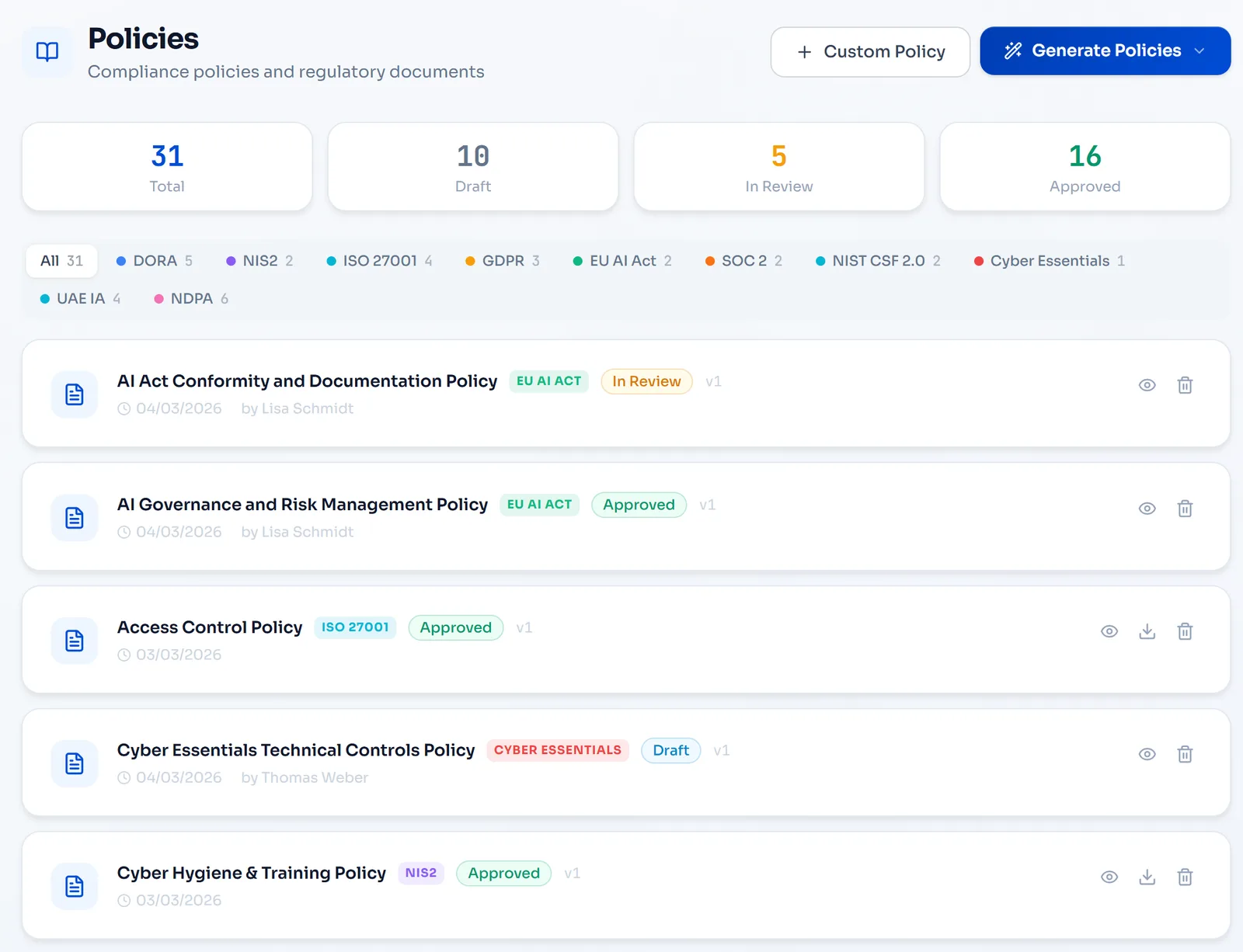
Replace scattered file shares with one searchable repository.
Upload existing policies in PDF, DOCX or XLSX format and attach multiple files per policy for appendices and supporting evidence. Download any version at any time. Full version history tracks every upload with timestamps and uploader identity, all in a centralised, searchable repository instead of a shared drive.
- PDF, DOCX and XLSX upload with drag-and-drop
- Multiple files per policy for appendices and evidence
- Version history with download access to every previous version
- Searchable policy repository across all frameworks
- Secure storage with AES-256 encryption and EU data residency
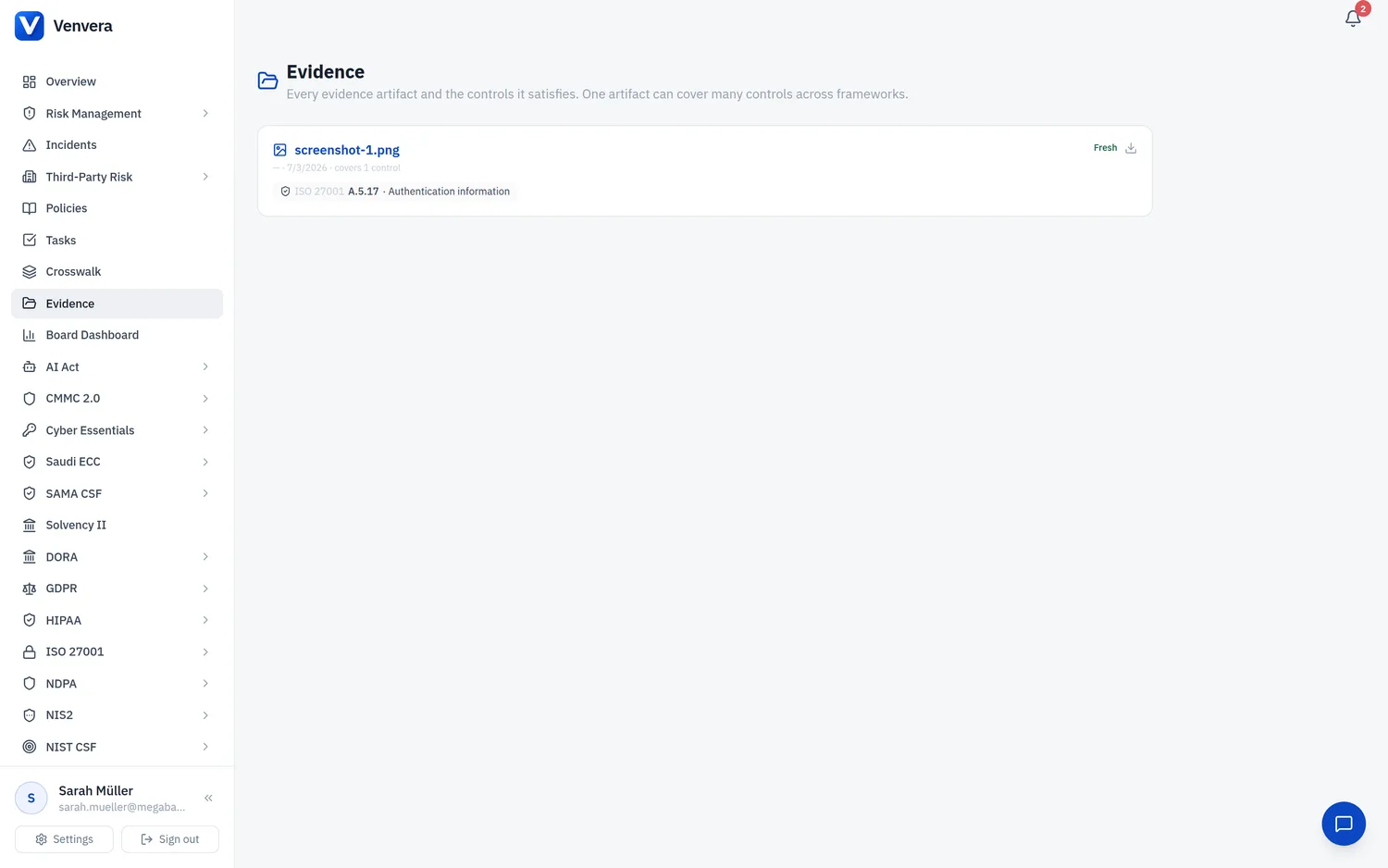
Every policy versioned, approved and never left to go stale.
Every policy moves through four stages: Draft, In Review, Approved and Archived. Approval workflows record who reviewed, when, and what changed. Review dates trigger reminders so policies never go stale, and version history preserves every revision with full diff comparison. One source of truth, one approval trail.
- Draft, In Review, Approved and Archived stages with a visual pipeline
- Reviewer assignment and approval tracking with timestamps
- Automatic review-date reminders to prevent staleness
- Version history with side-by-side diff comparison
- Full audit trail on every status transition and edit
The spreadsheet or Venvera.
Policy questions, answered.
Make every policy count as evidence.
Start with a free compliance check - see which of your policies map to which controls in minutes.
✓ Every paid plan: audit-ready in 90 days, or your money back*
10 minutes · no email to start · no credit card · yours to keep