For insurers
Bring risk, IT and governance to the same review.
Connect Solvency II Pillar 2 governance work with your DORA programme. Keep gaps, ICT risks and supporting evidence visible, so the next committee pack tells a coherent story.
14-day Professional trial · no credit card · unlimited users
- Solvency II Pillar 2 assessments
- DORA ICT risk programme
- Shared evidence, reviewed in context
A better way to prepare
Two programmes should not mean two rounds of evidence chasing.
Risk, compliance and IT may be working towards the same committee meeting with different trackers. Venvera connects the requirements and the work, while keeping the scope of each programme clear.
A common view of the gaps
Assess governance and ICT requirements in their respective frameworks.
Clear risk ownership
Keep treatment work connected to the risks your team has recorded.
Evidence you can discuss
Bring framework status and supporting records into the management review.
See the product behind the promise
Connect the governance work to the operational evidence.
Explore the workflow below. Screens show example data; available features depend on your plan.
Start with what needs attention.
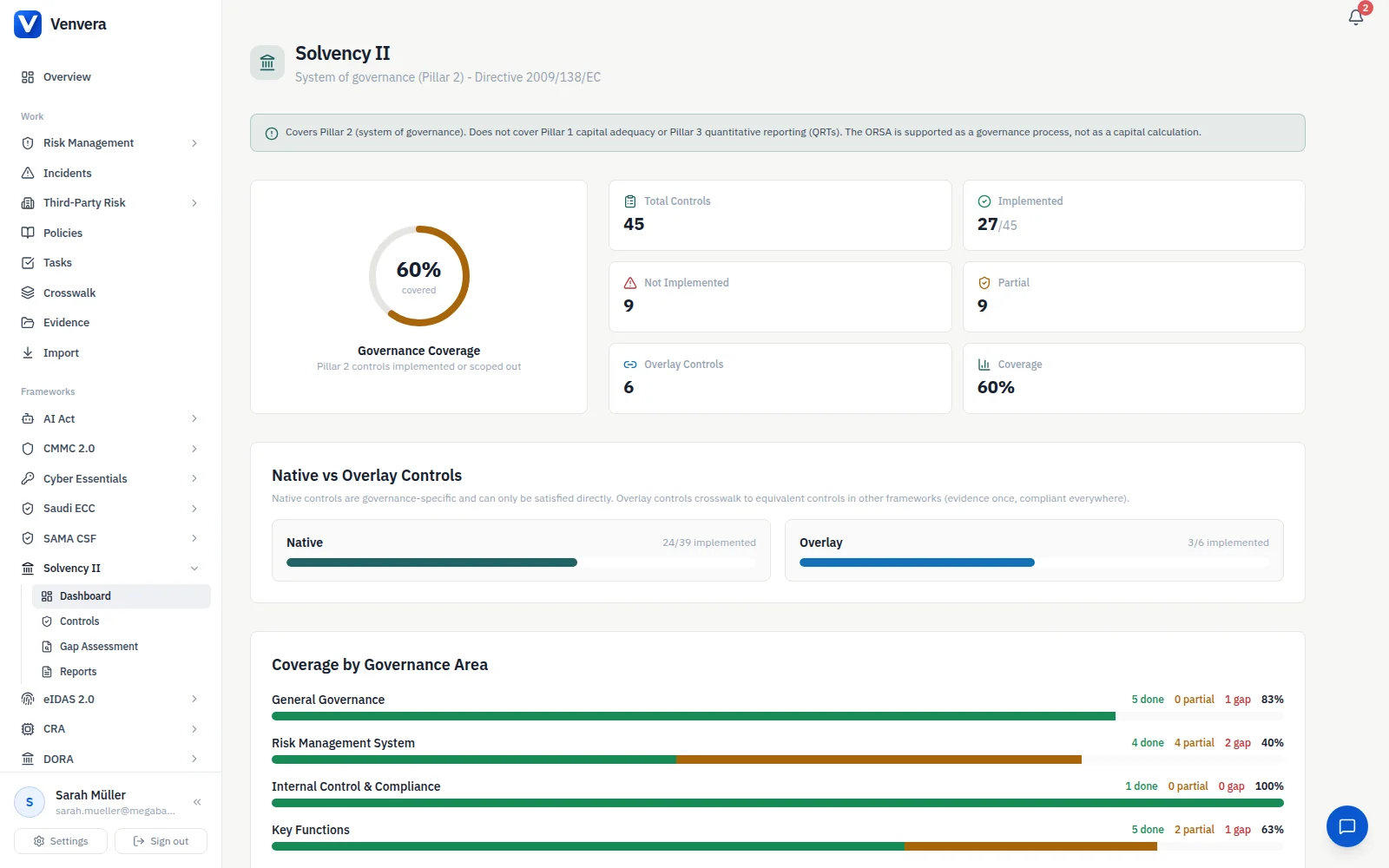
Use the Solvency II framework to assess Pillar 2 governance requirements and organise the work behind your responses. Record gaps rather than letting them disappear inside a policy document.
- Requirement-level assessments
- Supporting evidence and policies
- Actions assigned to the responsible team
Make the exposure and the response visible together.
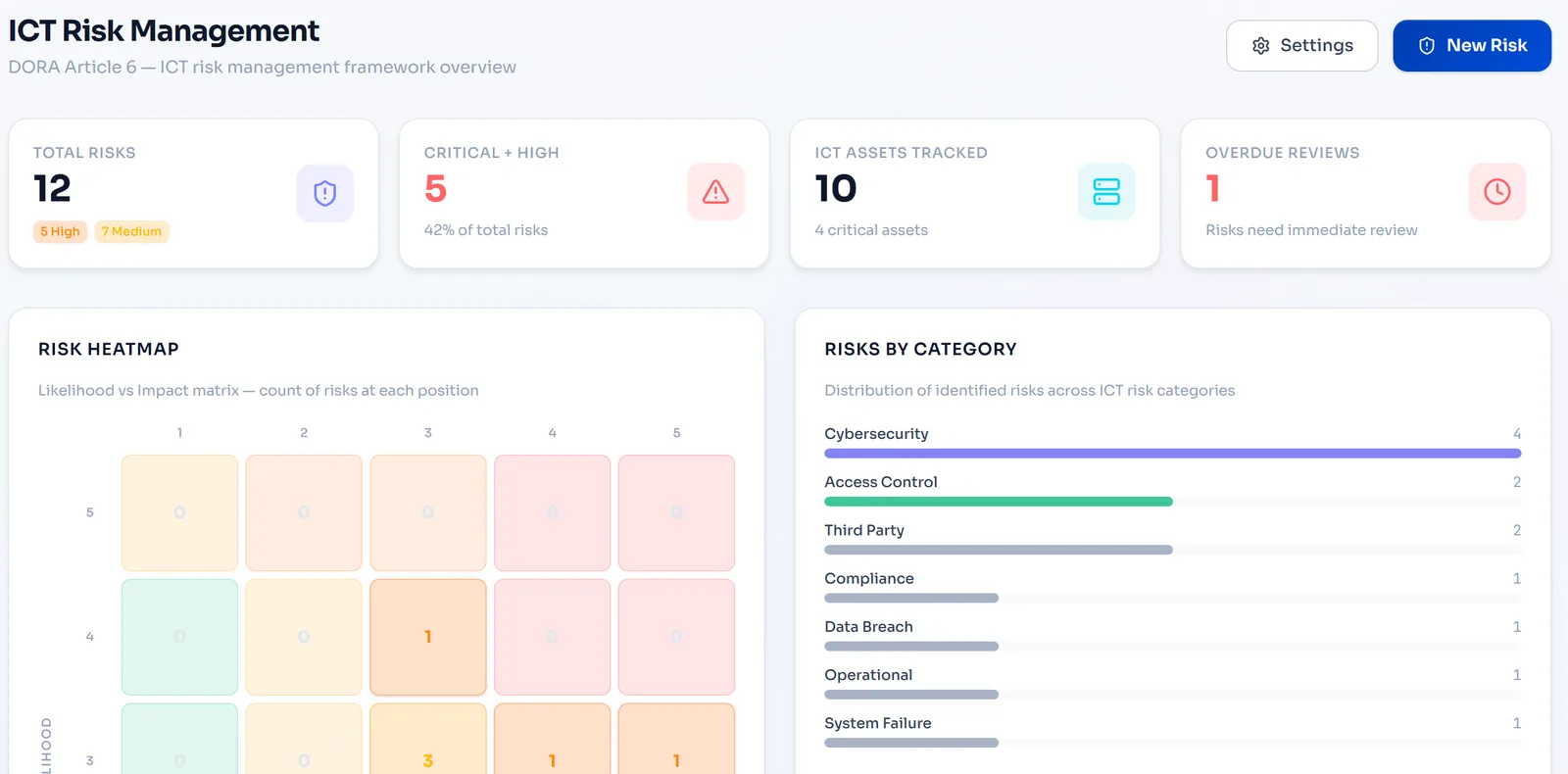
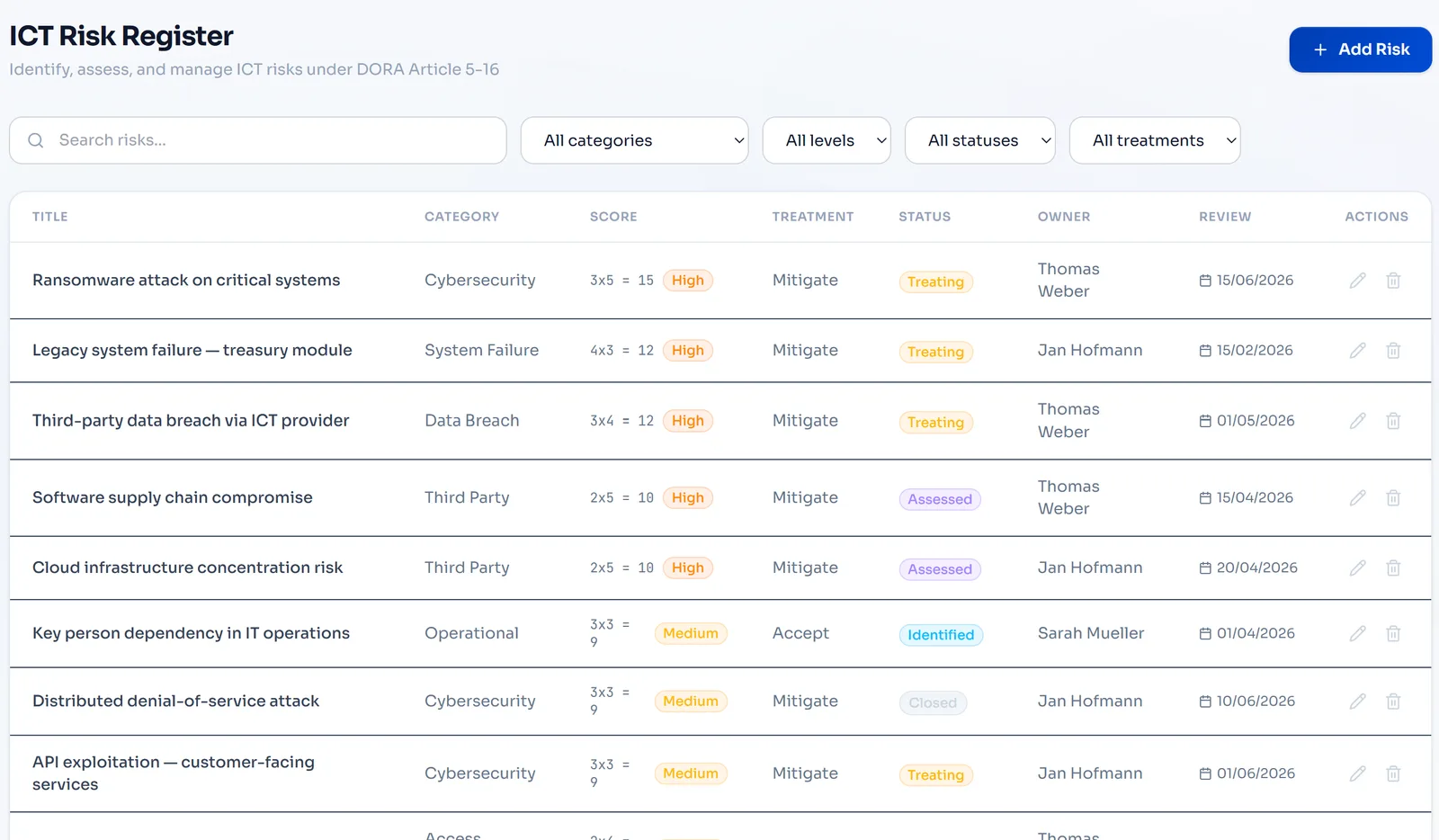
Record ICT risks and score likelihood and impact. Assign treatments and review residual risk as your DORA programme develops.
- Structured risk register
- Treatment ownership
- Inherent and residual risk scoring
Give the committee a consistent starting point.
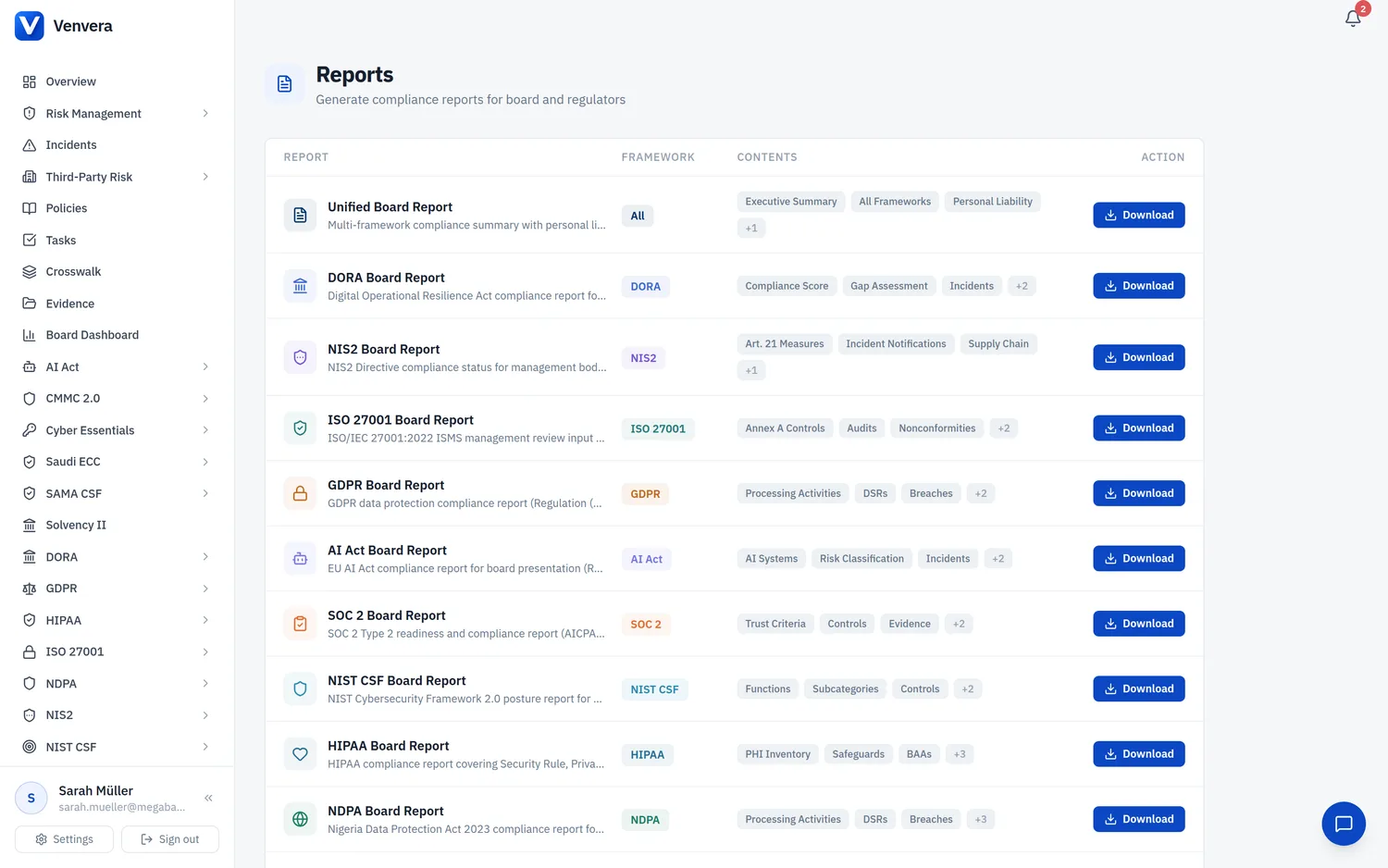
Use management reporting to summarise the framework work your team has recorded. Review the underlying evidence and add the business context needed for decisions.
- Framework status and open work
- Reports based on maintained records
- Exportable material for your review process
Your first trial project
Start with one review you already have to prepare.
Choose a governance or ICT requirement for your 14-day trial. Bring the current evidence, identify the gap and make the next action clear.
- 01
Choose the review scope
Start with Solvency II Pillar 2 or DORA, based on your immediate priority.
- 02
Connect evidence and ownership
Add a policy or record, assess the requirement and assign follow-up work.
- 03
Review the management output
Generate a report and check whether it gives your committee the context it needs.
14-day Professional trial · no credit card · unlimited users
See what each plan includes
Before you get started
Make the next step an informed one.
Bring your scope, your constraints and your questions.
Talk through your use caseWhich part of Solvency II does this cover?
The Solvency II module supports Pillar 2 governance assessments, controls, gaps and evidence. It is not a capital calculation engine or a replacement for actuarial work, the ORSA process or regulatory judgement.
Does every insurer need the same framework set?
No. Select frameworks based on your entity, authorisation, activities and jurisdiction. Applicability and exemptions need to be assessed for your organisation; an industry page does not determine your legal scope.
Can we reuse evidence across Solvency II and DORA?
Where requirements are related, control mappings help identify reusable work. Your reviewers still check whether the scope and content of the evidence meet each requirement.
What is included in the trial?
The 14-day Professional trial includes up to five selected frameworks and unlimited users, with no credit card required. Use it to explore the workflow with your team, then compare plans for the features and scope you need.
Venvera for insurers
Bring a clearer story to the next committee meeting.
14-day Professional trial · no credit card · unlimited users