The board report that took five days, in one click.
Health score, framework progress, open risks, incident stats, vendor alerts, control coverage and prioritised recommendations - all from live data, exported to a professional DOCX in under thirty seconds. The board gets a briefing that stands up to questions, and you get back the week your team spent assembling slides from six systems.
The report is not the value. The week it costs you is the waste.
Every quarter the same ritual: pull numbers from six systems, format them into slides, and still field questions you cannot answer on the spot because the data is already stale. The report is not hard - it is expensive, in the one resource you cannot get back. Venvera generates it from the posture as it stands today, so the board gets better information and you get five days of your quarter back.
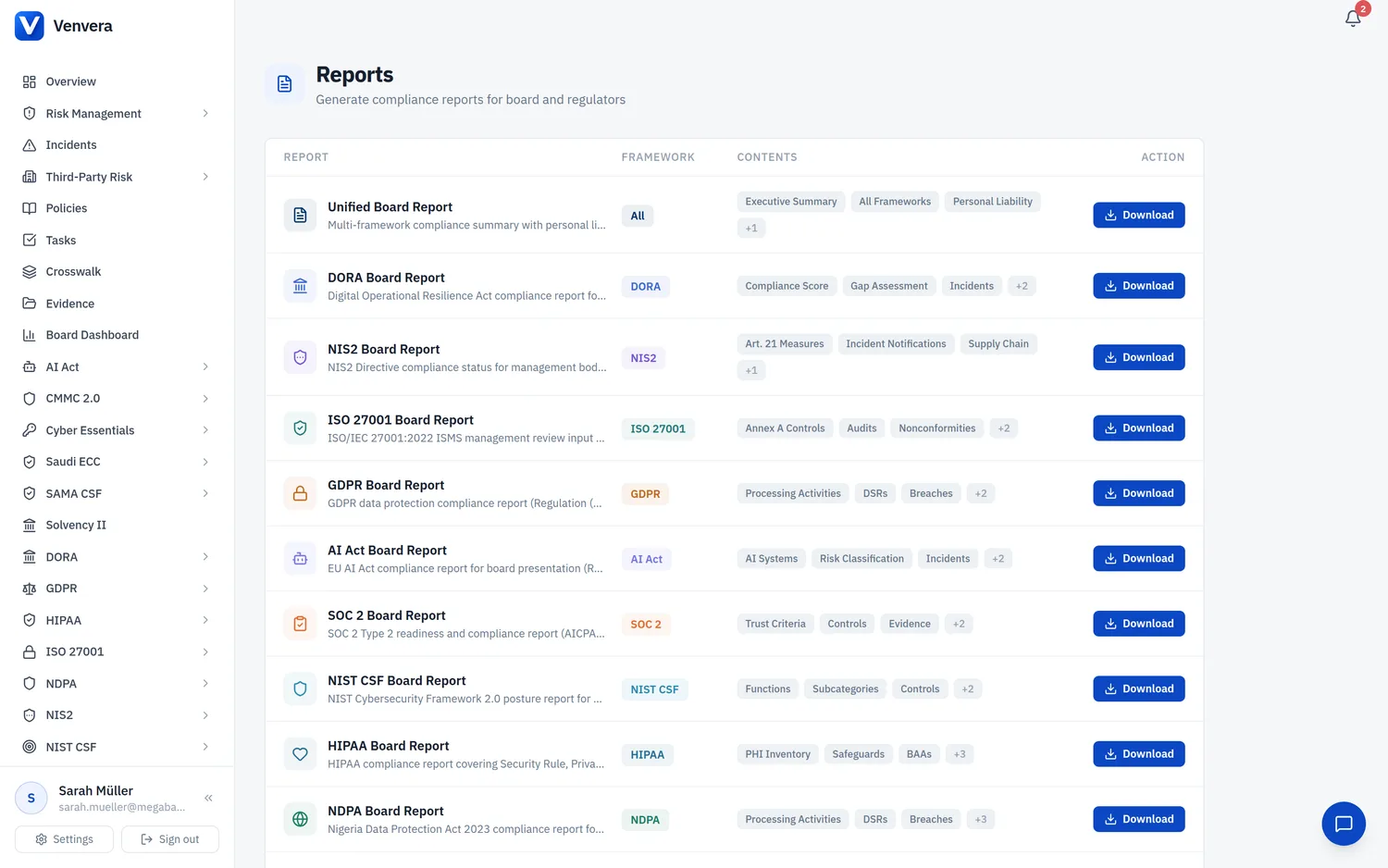
Generate the board pack in one click, not five days.
Professional DOCX board reports with embedded charts, traffic-light KPIs and ranked recommendations, generated from live data in one click. Framework-specific reports - ISO 27001, SOC 2, NIS2, GDPR, AI Act, NIST CSF, HIPAA, DORA, NDPA, UAE IA, CMMC and Risk Management - plus a unified cross-framework report, each following the same structure so the board sees a consistent format every time.
- Embedded risk heatmaps, compliance score rings and trend charts
- Traffic-light KPI summary for instant board-level readability
- Recommendations ranked by impact and effort
- Framework-specific reports plus a unified cross-framework pack
- One-click generation from live data, no manual assembly
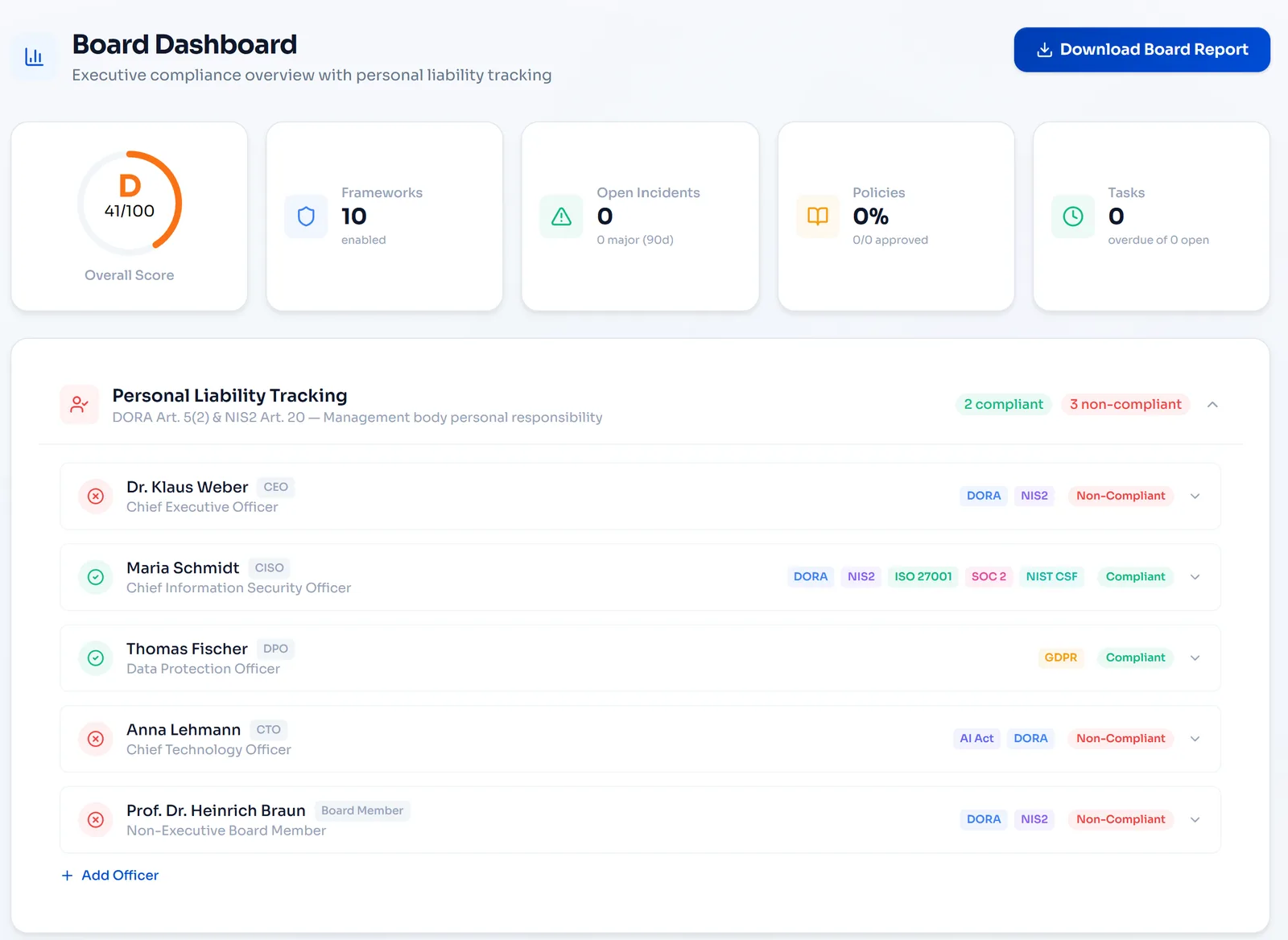
One report for the whole board, not seven.
One document combines compliance scores, liability status, cross-cutting KPIs and prioritised recommendations from every active framework, so the board reads one report instead of seven. A health score ring, framework-by-framework progress bars, a liability summary table and a recommendations section give a non-specialist board member everything needed to understand posture in five minutes.
- Single health score aggregated across all active frameworks
- Framework-by-framework compliance progress bars
- Personal liability status for DORA Art. 5(2) and NIS2 Art. 20
- Cross-cutting recommendations that address several frameworks at once
- Quarter-over-quarter trend comparison built in

Hand auditors a workbook, not a data request.
Full data exports as multi-sheet Excel workbooks: risk registers, control mappings, asset inventories, treatment plans and summary dashboards in one file. Colour-coded severity cells, auto-filter dropdowns on every column and a risk-to-control mapping sheet let an auditor filter, sort and cross-reference without asking for another extract.
- Multi-sheet workbooks: risks, controls, assets, mappings, summary
- Colour-coded severity cells (Critical red, High amber, Medium blue)
- Auto-filter dropdowns on every column header
- Risk-to-control mapping sheet included for auditors
- Export the full register or filter by framework, category or owner
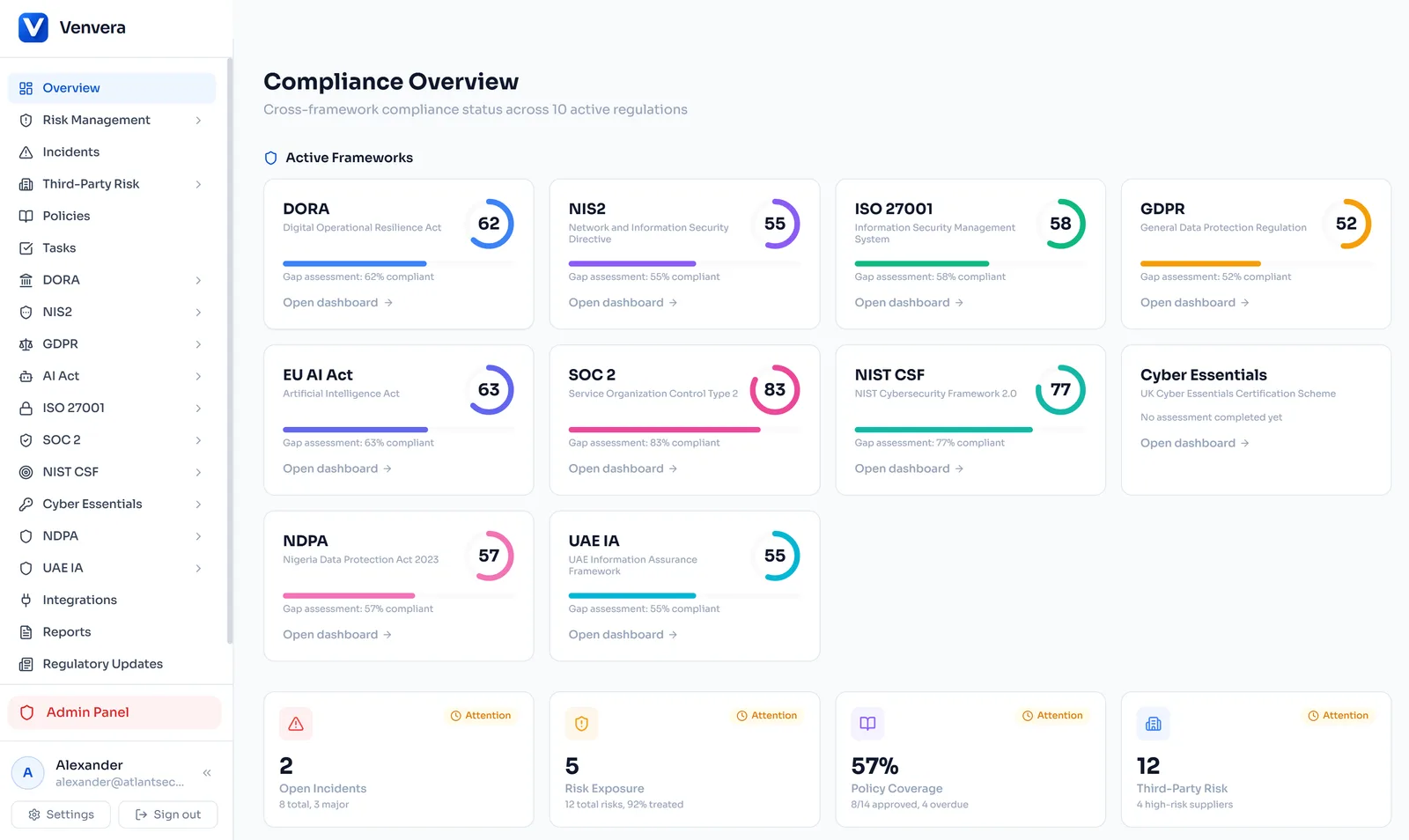
File the DORA register without building a single CSV by hand.
The 15 official EBA DORA ITS template tables generate directly from your Register of Information. The export engine converts internal identifiers to DPM (Data Point Model) codes, validates every field against EBA business rules and flags errors before you download, so the output is a set of CSV files ready to submit to your national competent authority.
- 15 EBA DORA ITS template tables mapped (B_01.01 through B_99.01)
- Automatic DPM code conversion for all identifiers
- Built-in validation against EBA business rules
- Errors flagged before download, so you fix them before submission
- Ready to submit: upload directly to your NCA portal
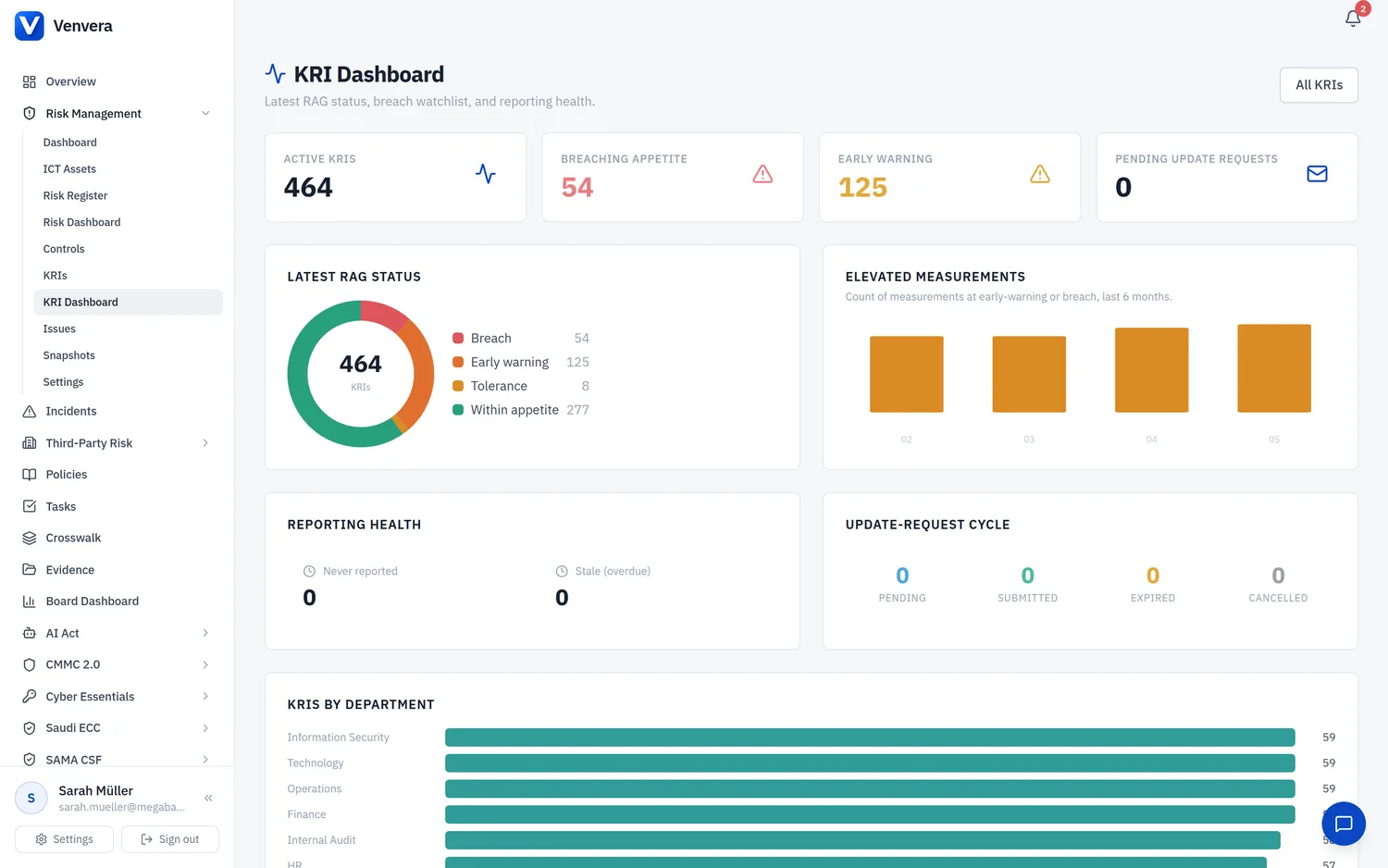
Set the cadence once and the board pack sends itself.
Generate reports on demand or schedule recurring delivery on a weekly, monthly or quarterly cadence. Reports build from live data at the scheduled time and deliver by email to a distribution list you define, so there are no calendar reminders to pull a report before a board meeting. Every delivery carries a confirmation log and audit trail.
- On-demand or scheduled generation (weekly, monthly, quarterly)
- Email delivery to configurable distribution lists
- Reports built from live data at the scheduled time
- Delivery confirmation and audit trail for every report
- Supports DOCX board reports and Excel exports
The spreadsheet or Venvera.
Reporting questions, answered.
Give the board live data, give yourself the week back.
Start with a free compliance check - then generate your first board-ready report in seconds.
✓ Every paid plan: audit-ready in 90 days, or your money back*
10 minutes · no email to start · no credit card · yours to keep