
Best
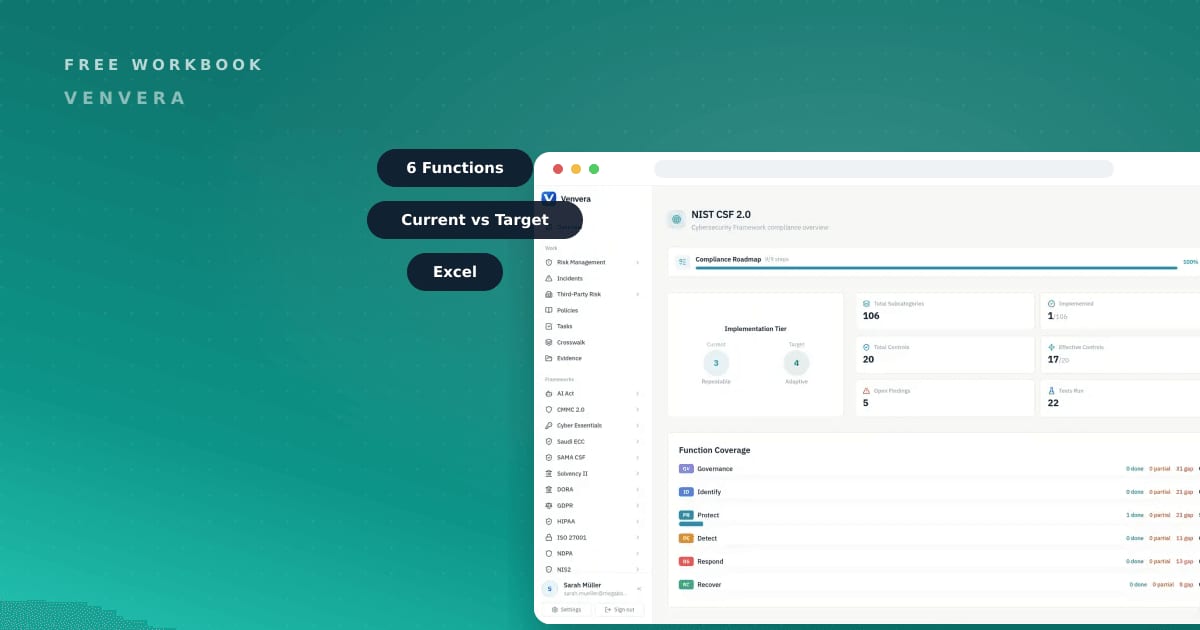
This NIST CSF 2.0 assessment template is a free Excel workbook that scores your current cybersecurity posture against a target state across all six CSF 2.0 Functions. If you are a CISO, compliance lead, or security manager who needs a NIST CSF 2.0 assessment template that produces a real gap analysis rather than a slide, this is built for you. The workbook walks 92 items across the Subcategories of Govern, Identify, Protect, Detect, Respond, and Recover, capturing where you are now, where you want to be, and the distance between the two. Because the framework is outcome-based, it sits alongside whatever controls you already run instead of replacing them. Download it below, fill in your ratings, and you have the backbone of an Organizational Profile in an afternoon.
Free download
Get the NIST CSF 2.0 Assessment Workbook
Assess current vs target across the six CSF 2.0 Functions. 92 items across the Subcategories.
What the NIST CSF 2.0 Assessment Workbook covers
The workbook is a single Excel file organised the way CSF 2.0 itself is structured. Every row is one Subcategory outcome, and there are 92 of them, grouped under the six Functions: Govern, Identify, Protect, Detect, Respond, and Recover. For each item you get columns for the Function, the Category it belongs to, the Subcategory outcome in plain language, a current maturity rating, a target maturity rating, the calculated gap between the two, and a free-text column for evidence, owner, and next action. Because CSF 2.0 is outcome-based rather than a prescriptive control list, each row describes a result you are trying to achieve. That keeps the assessment honest: you rate whether the outcome is met, then decide how to close it. A summary view rolls the Subcategory scores up by Function, so you can see at a glance which of the six Functions is furthest from its target.
Be realistic about the time this takes. Rating that many outcomes properly means a session per Function with the people who actually operate the controls, so plan for a couple of weeks of calendar time. Doing it alone in a room is much faster and produces ratings nobody else believes.
NIST CSF 2.0 the honest way: what actually matters
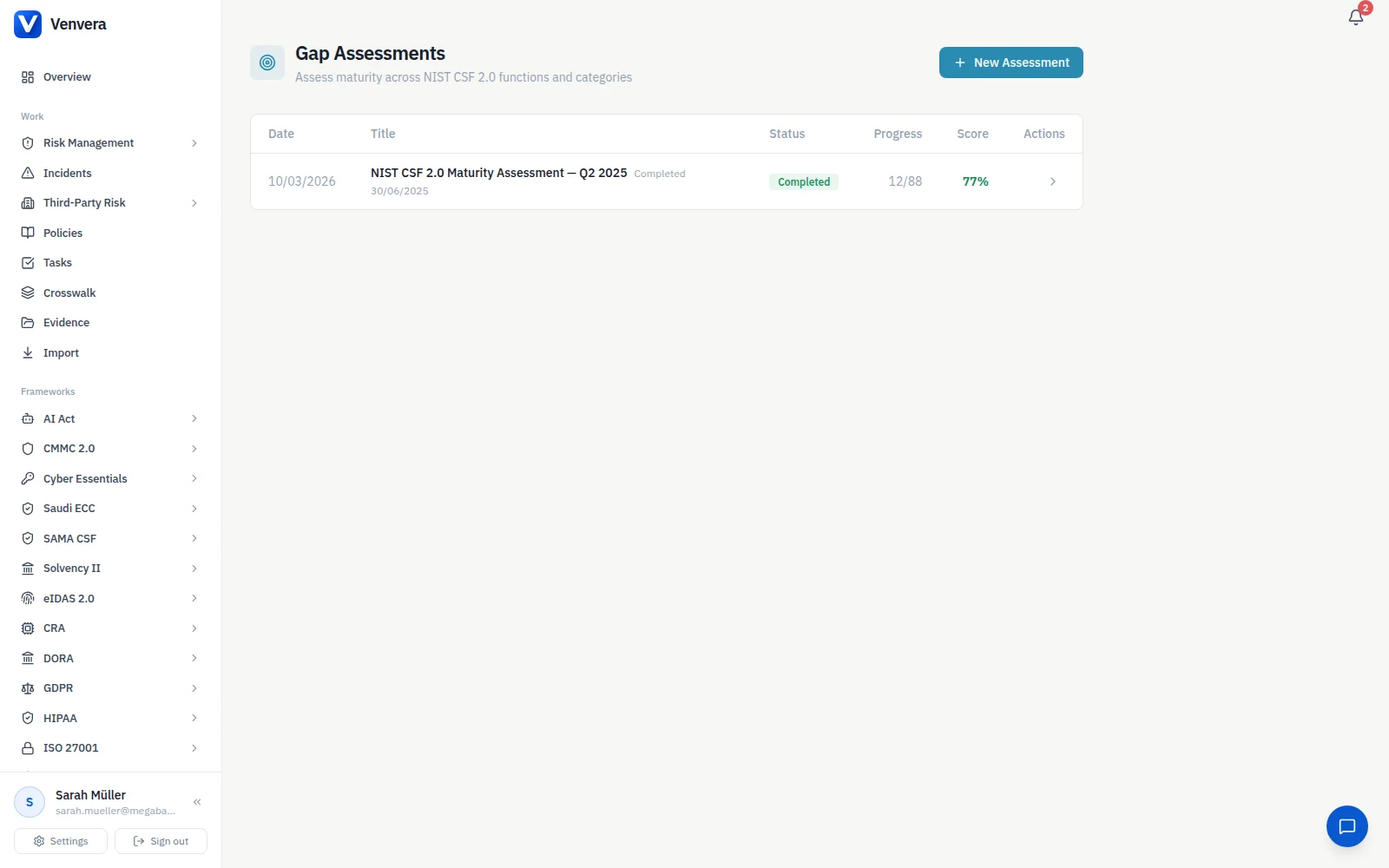
NIST CSF 2.0 is voluntary and outcome-based. It does not hand you a checklist of mandatory controls; it organises cybersecurity outcomes into six Functions - Govern, Identify, Protect, Detect, Respond, and Recover - and asks you to decide how far along you are on each. That design is the point. The framework's method is to build an Organizational Profile: you describe your Current state, you describe your Target state, and the difference between them is your gap analysis and, effectively, your roadmap.
That design is the best thing about CSF 2.0 and the reason it survives contact with a board. Because it is voluntary, nobody can wave a certificate at you, so the framework has to earn its place by being a good thinking tool. It does. The weakness is the flip side: with no external deadline, a CSF assessment is the easiest programme in the building to quietly abandon after the first round, so put the re-run in the calendar the day you finish the first one.
Two things follow that teams often miss. First, a NIST CSF 2.0 assessment template is only useful if it forces the Current versus Target comparison rather than a single yes or no per control. A flat compliance checklist tells you nothing about direction of travel. Second, because CSF 2.0 is outcome-based, it maps cleanly onto the control sets you may already run, including NIST SP 800-53, ISO/IEC 27001, and CIS. You are not choosing CSF instead of those; you are using CSF as the outcome layer and pointing your existing controls at it as evidence. Getting Govern right, the Function that frames roles, policy, and risk decisions, is usually what makes the other five Functions coherent rather than a pile of disconnected tools.
If you have the appetite for one Function this quarter, make it Govern. It is also the least popular choice, because Protect and Detect have tooling you can buy while Govern has meetings you have to hold and decisions someone has to own. Start there anyway.

How to use the NIST CSF 2.0 Assessment Workbook
Step one is the step people skip and the one that decides whether the exercise is worth anything. If two teams mean different things by a middling rating, your gap column is noise. Write down what each level means in a sentence, circulate it, and have the argument before anyone starts scoring.
- Download the workbook and agree a rating scale up front, for example 1 to 5 maturity, so Current and Target use the same language across the whole team.
- Work Function by Function. For each of the 106 Subcategories, rate your Current state honestly, based only on what you can evidence today.
- Set a Target rating for each Subcategory. Not everything needs to reach the top; choose the level appropriate to your risk appetite. Expect resistance here, because writing down a deliberately modest target feels like admitting defeat. It is the opposite. A target you can defend and fund beats a column of top scores that will never be resourced.
- Read the gap column. Sort by largest gap to see where the distance between Current and Target is widest, and treat that as your priority list.
- Assign an owner and a next action to each material gap, then use the Function summary to brief leadership in one view.
- Re-run the assessment on a cadence, quarterly or after any major change, so the profile stays a living document rather than a one-time snapshot.
Do this automatically in Venvera
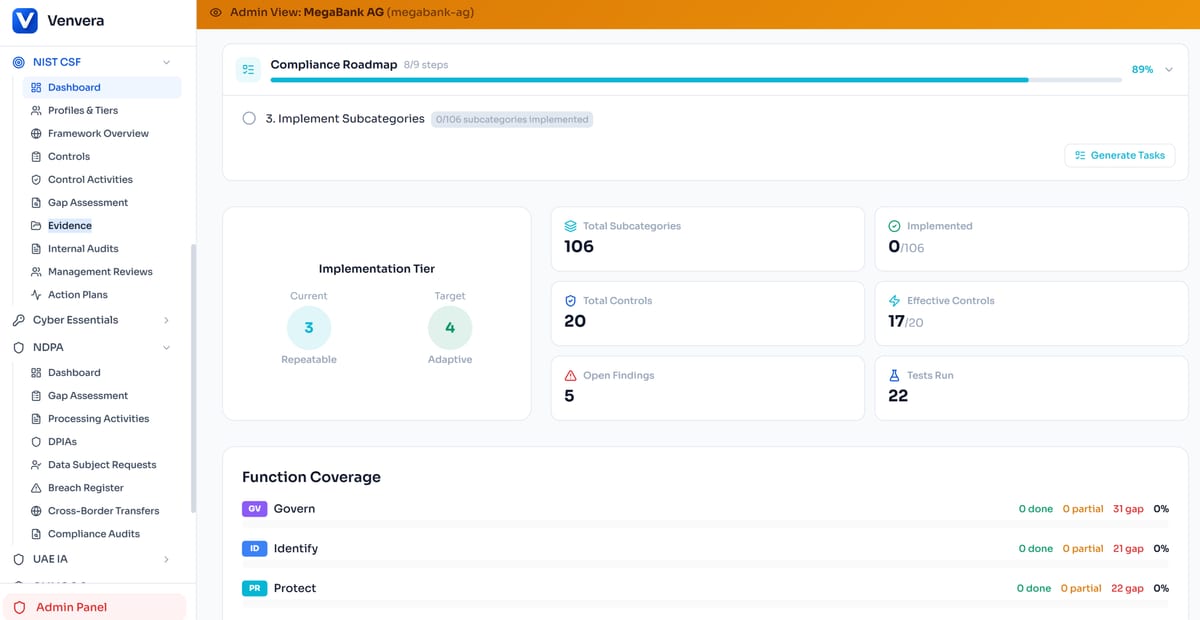
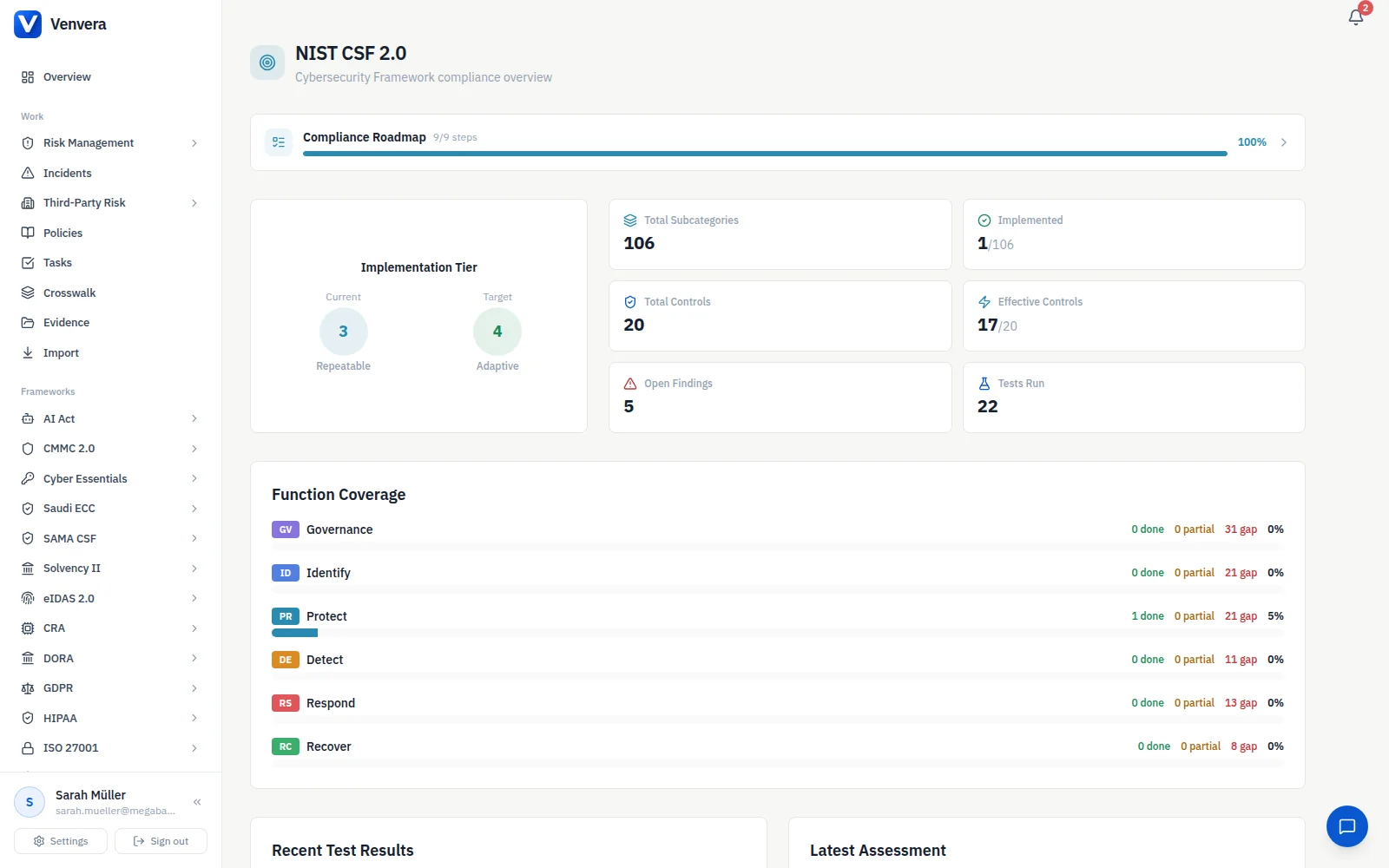
A spreadsheet is a good place to start and a bad place to live. The moment you finish this NIST CSF 2.0 assessment template it begins to age: owners change, evidence expires, and last quarter's ratings drift out of date. In NIST CSF 2.0 on Venvera, the same Current versus Target assessment stays continuously current, with each Subcategory linked to live evidence and a named owner instead of a cell someone has to remember to update. Because CSF 2.0 is outcome-based, evidence you collect once is reused across the other frameworks you run, so a control you prove for ISO/IEC 27001 or NIST SP 800-53 also answers the matching CSF outcome. Pricing starts from EUR 399/month.
Frequently Asked Questions
Is the NIST CSF 2.0 assessment template really free?
Yes. The workbook downloads through the form above at no cost. It is a full working Excel file with all 92 Subcategory items across the six Functions.
What is the difference between NIST CSF 2.0 and NIST SP 800-53?
CSF 2.0 is an outcome-based framework: it describes what good cybersecurity looks like across six Functions and asks you to compare Current against Target. NIST SP 800-53 is a detailed control catalogue. Because CSF is outcome-based, it maps onto control sets like SP 800-53, ISO/IEC 27001, and CIS, so you can use those controls as the evidence behind your CSF outcomes.
How many items does the workbook assess?
92 items, one per CSF 2.0 Subcategory, grouped under the six Functions: Govern, Identify, Protect, Detect, Respond, and Recover. Each item is rated for both Current and Target maturity so the gap is calculated for you.
Do I have to reach the highest maturity on every Subcategory?
No. CSF 2.0 is voluntary and risk-based. The Target you set for each Subcategory should reflect your organisation's risk appetite, which will put different Subcategories at different levels. The gap that matters is the distance between your Current state and the Target you chose.