Learn
This HIPAA risk assessment template is a free Excel workbook that walks you through the mandatory Security Risk Analysis at the heart of the HIPAA Security Rule. If you are a covered entity or a business associate that touches protected health information (PHI), a current risk analysis is mandatory: it is the control an OCR investigator asks for first, and this HIPAA risk assessment template gives you a clean place to do it. The workbook holds 65 items mapped directly to 45 CFR 164.308 through 164.312, so you assess each safeguard, record the threats and vulnerabilities, and score the risk without fighting a clunky tool. It is built for compliance leads, CISOs, and security-minded founders who need a defensible record fast. Download it below and start filling it in today.
Free download
Get the HIPAA Security Risk Assessment
Assess your safeguards against the HIPAA Security Rule (45 CFR 164.308-312) - the mandatory risk analysis, with 65 items mapped to the rule.
What the HIPAA Security Risk Assessment covers
The workbook is organized around the three safeguard families defined by the Security Rule, plus the organizational and documentation requirements that sit alongside them:
- Administrative safeguards (45 CFR 164.308): the largest section, built around the required Security Risk Analysis itself and the policies and workforce processes that support it.
- Physical safeguards (45 CFR 164.310): the controls over your facilities, workstations, and the devices and media that hold PHI.
- Technical safeguards (45 CFR 164.312): the technical controls that protect PHI inside your systems and while it moves between them.
- Organizational and documentation requirements: business associate agreements and the written policies HIPAA expects you to keep.
Each of the 65 items is a single row you assess. The columns take you from the 45 CFR section reference and the safeguard description, through the relevant threat and vulnerability, to a current status, a likelihood and impact rating, and a resulting risk score with a space for the owner and remediation note. Because every item cites its 45 CFR section, the finished sheet doubles as the evidence trail you hand an auditor or an OCR investigator.
HIPAA the honest way: what actually matters
HIPAA is easy to over-complicate and easy to under-do. Here is what genuinely matters. The Security Rule is deliberately technology-neutral, which is why it has aged better than most security regulation written in the same era. The price of that flexibility is that it tells you to assess your risk without ever telling you what an acceptable answer looks like, so drawing the line is your job and your written reasoning is what you get judged on.
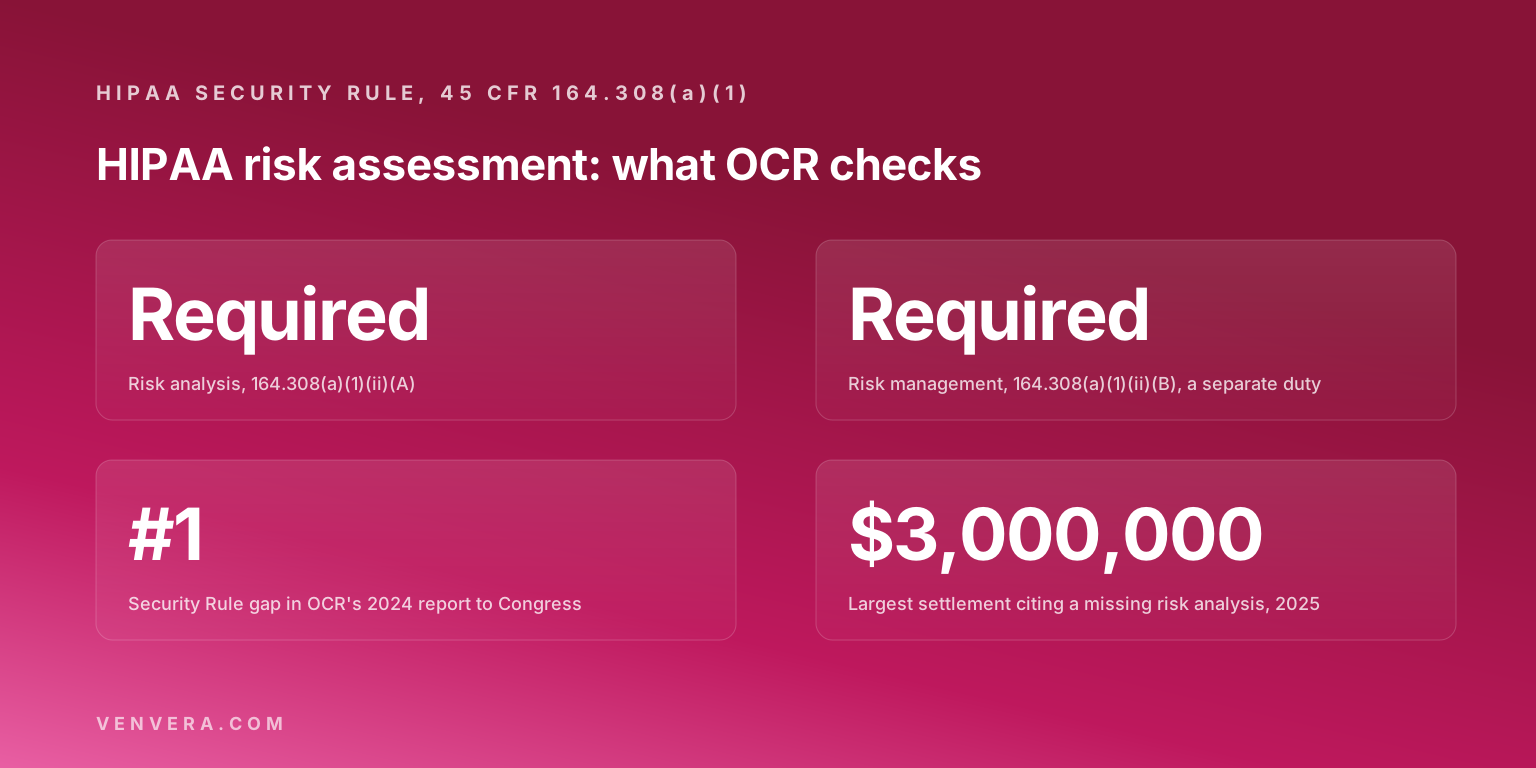
A current, documented Security Risk Analysis is the backbone of the entire Security Rule. It lives at 45 CFR 164.308(a)(1)(ii)(A), and it is the first thing an OCR investigator asks to see after a breach or a complaint. The risk analysis itself is what the Security Rule actually requires. If it is missing, stale, or never written down, everything else you did counts for less.
The Security Rule then asks you to put safeguards in place across three areas: administrative (164.308), physical (164.310), and technical (164.312), backed by the organizational and documentation requirements. Your risk analysis is what tells you which of those safeguards you actually need and how urgently, so it comes first and everything else follows from it.
One point people miss: HIPAA binds both business associates and covered entities. If you run a SaaS product that creates, receives, stores, or transmits PHI, you are a business associate, you need a signed business associate agreement (BAA), and you are on the hook for your own risk analysis. If you are unsure which side of that line you sit on, the guide on covered entities and business associates walks through it.

How to use the HIPAA risk assessment template
If you want the method behind the workbook first, including the nine elements OCR expects to find and a scored example, read the HIPAA risk assessment guide, then come back to the rows.
- Download the workbook and define your scope first: list the systems, applications, and vendors that create, receive, store, or transmit PHI. Expect this step to take longer than the assessment itself. PHI leaks into places nobody put on the architecture diagram, including shared mailboxes, support tickets, backups, and the analytics tool someone connected last year, and a risk analysis built on an incomplete inventory is worth very little.
- Work through each of the 65 items. For every safeguard, mark whether it is in place, partially in place, or missing.
- Record the threat and vulnerability behind each gap, then score likelihood and impact to produce a risk rating. Keep the scoring crude. A high, medium and low judgement you can defend out loud beats an elaborate weighted model nobody outside the security team believes, because the score exists only to tell you what to fix first.
- Sort by risk score and build a remediation plan for the high-risk items first, with an owner and a target date on each.
- Confirm you have a signed BAA with every vendor that touches PHI. The template flags where one is required, but it does not sign them for you. Start this on day one. Getting a countersigned BAA out of a large vendor means finding the right inbox, waiting on their legal team, and following up more than once, so plan for weeks of chasing rather than an afternoon of admin.
- Save the finished workbook with a date and revisit it at least annually, or whenever your systems change, because HIPAA expects the analysis to stay current.
Do this automatically in Venvera
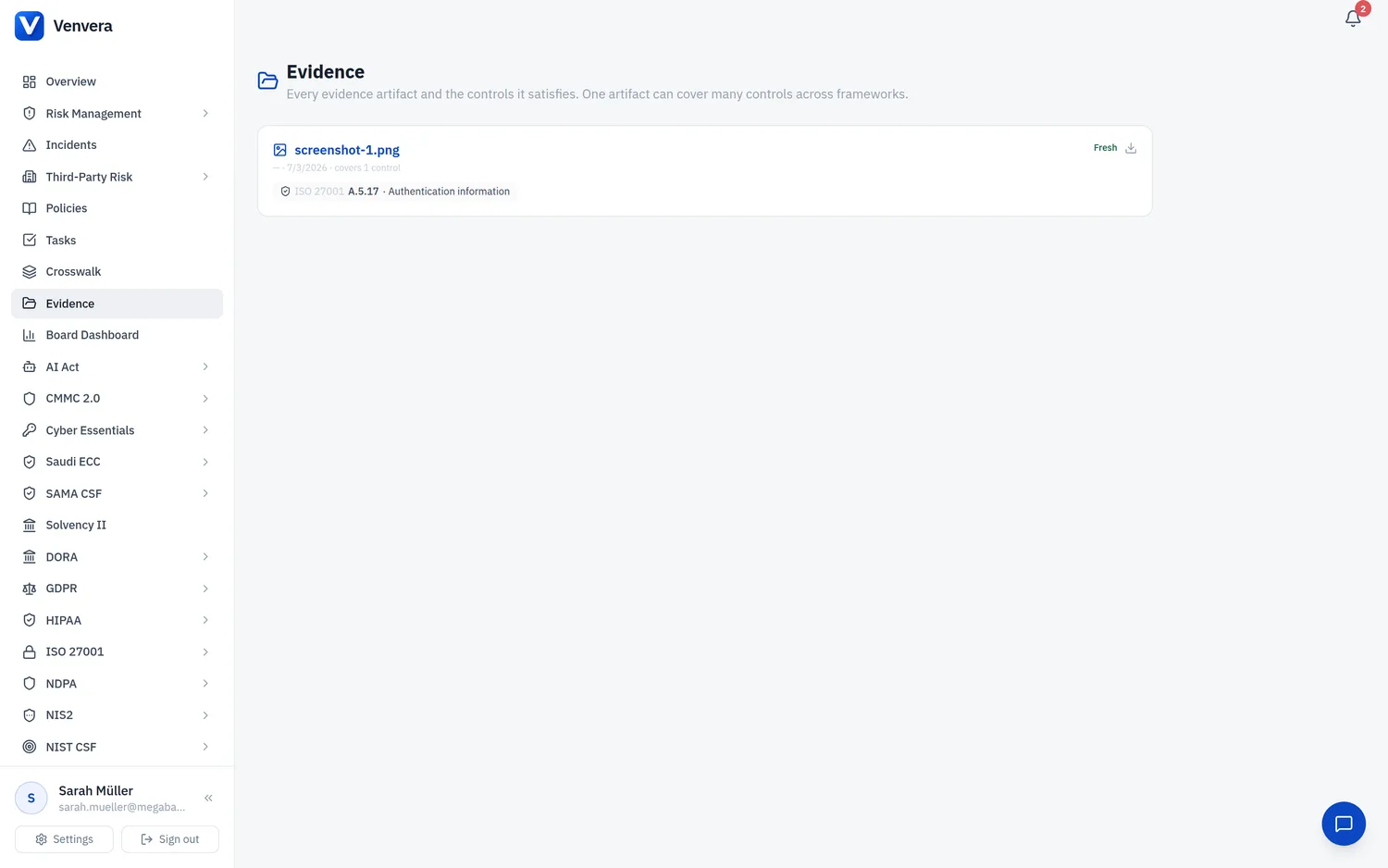
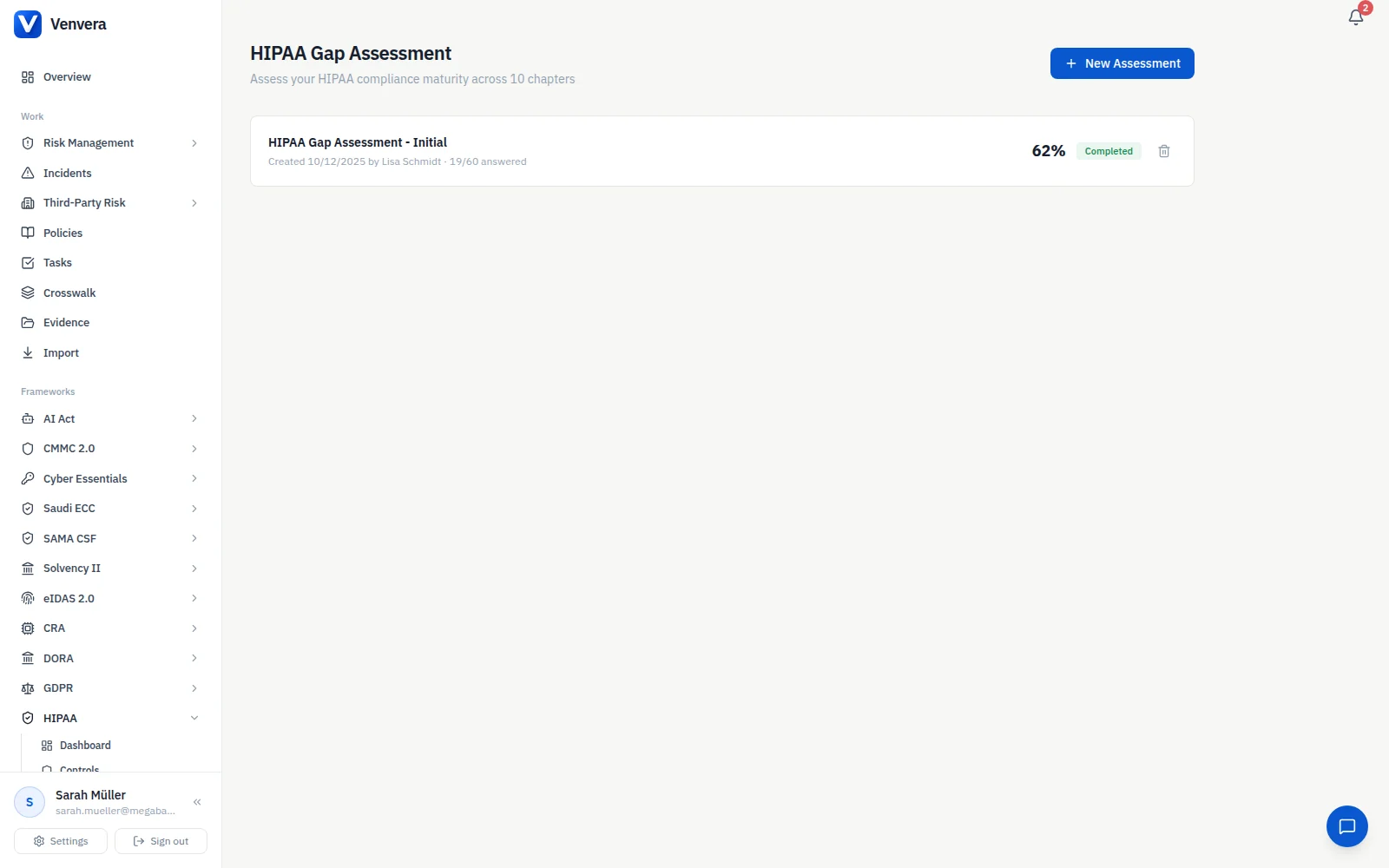
The workbook is a solid starting point, but a spreadsheet goes stale the moment your environment changes. Venvera keeps the same Security Rule work live: the HIPAA framework in Venvera tracks each safeguard, links your evidence to the exact 45 CFR section, and re-checks status as your systems evolve, so your risk analysis stays current rather than sitting as a snapshot from last quarter. Because controls and evidence are shared, the proof you gather for HIPAA reuses against the other standards you carry, so you are not re-documenting the same access controls again and again. Venvera starts from EUR 399/month. If you are still comparing options, our roundup of HIPAA compliance software lays out what to look for.
Frequently Asked Questions
Is a HIPAA risk assessment actually required?
Yes. The Security Risk Analysis at 45 CFR 164.308(a)(1)(ii)(A) is the backbone of the Security Rule and the first thing OCR asks to see. A documented HIPAA risk assessment template gives you a defensible way to complete it and keep the record.
How is this different from the free HHS SRA Tool?
The HHS and ONC SRA Tool exists and is free, and using the government's own tool is a defensible choice nobody will argue with. The catch is that it is a clunky, wizard-driven application. This template does the same job in a clean Excel sheet that maps threats and vulnerabilities to the rule with risk scoring, which most teams find faster to work through and easier to hand to an auditor.
Does this cover business associates or only covered entities?
Both. HIPAA binds covered entities and business associates alike. If your SaaS product touches PHI, you are a business associate, you need a signed BAA, and you owe your own risk analysis. The template's items apply to either role. For the distinction, see our guide on covered entities and business associates.
Is this legal advice, and does it handle my BAAs?
No. This template is a practical risk analysis aid, not legal advice, and it does not sign your business associate agreements for you. Use it to structure your assessment, then bring in counsel where you need a formal legal opinion.