
Best
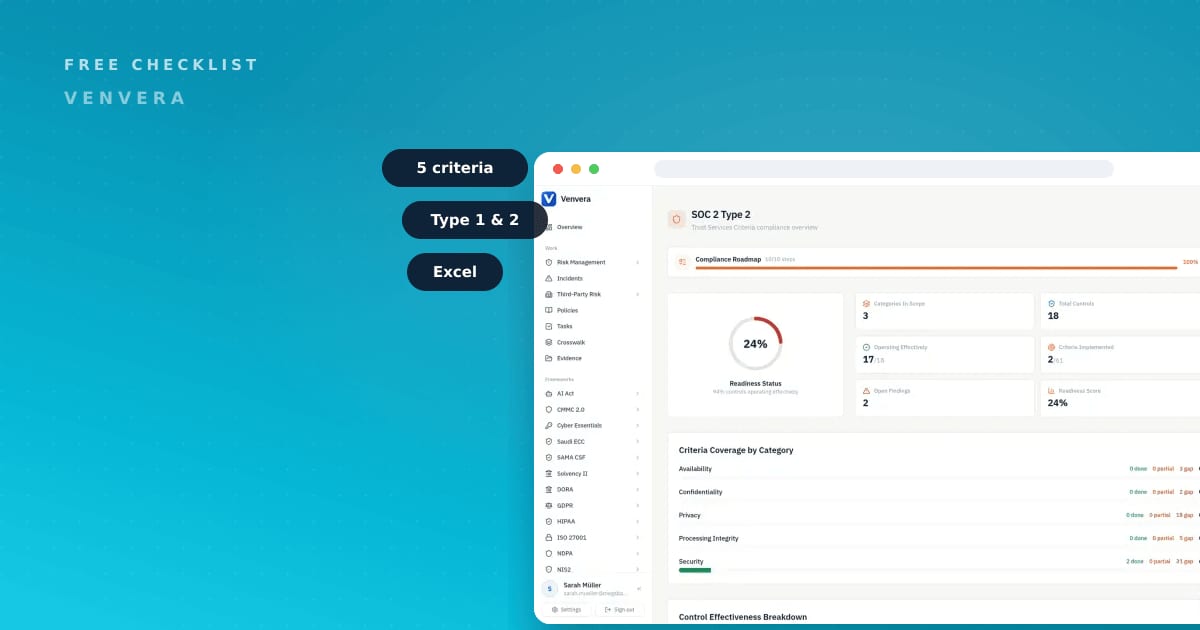
The SOC 2 readiness checklist on this page is a free Excel workbook that walks all five Trust Services Criteria and scores exactly where you stand before an audit begins. If you are a compliance lead, CISO, or founder preparing for your first SOC 2, a readiness checklist is the fastest way to see the gap between what you have today and what a CPA firm will expect to test. There is no official, published SOC 2 control list, so most teams start blind. This file gives you 72 concrete readiness items grouped by criteria, each with a status, evidence, and owner column, so a vague obligation becomes an assignable plan. Download it below, fill it in with your team, and use it to brief your auditor.
Free download
Get the SOC 2 Readiness Checklist
Walk all five Trust Services Criteria and score your readiness before the audit. 72 items with status, evidence and owner columns.
What the SOC 2 Readiness Checklist covers
The workbook is organized around the five Trust Services Criteria, the same structure a CPA firm uses when it plans your audit. Security - the Common Criteria, CC1 to CC9 - is mandatory and carries the largest share of the 72 items. The four optional criteria (Availability, Processing Integrity, Confidentiality, and Privacy) each get their own grouped section, so you only score what applies to the commitments you have made to customers. Be ruthless about that scoping. Every optional criterion you take on means more controls, more evidence, and more that can go wrong in the report. Add one because a signed contract already commits you to it, and leave the rest out of your first report.
Every row is built to be worked. You get four working columns:
- Readiness item - the specific control or practice, written in plain language.
- Status - mark each item Not started, In progress, or Ready.
- Evidence - name the artifact that proves it (a policy, a log, a ticket, a config screenshot).
- Owner - the single accountable person, so nothing sits unassigned.
Because there is no published SOC 2 control list, the value is in the mapping. Each item ties back to a criterion, so when you finish scoring you can see precisely which criteria are audit-ready and which still have open gaps.
Worth saying plainly: the missing control list is a real weakness of SOC 2 as a framework. The flexibility is genuine, and the cost of it is that two firms can both hold a clean report with wildly different control sets, and that the job of deciding what counts lands on you and your auditor rather than on the standard.
SOC 2 the honest way: what actually matters
SOC 2 is an attestation from the AICPA, not a pass or fail certificate and not a badge you buy. A licensed CPA firm issues the report. No software platform, including ours, can issue a SOC 2 report, and any tool that implies otherwise is selling you a story. Software prepares the evidence; the auditor forms the opinion. Pick your CPA firm earlier than feels necessary. Their view on scope and on what counts as sufficient evidence shapes half the work in this checklist, and discovering it after you have already collected a window of the wrong artifacts is an expensive way to learn.
There are five Trust Services Criteria. Security is mandatory and is expressed as the Common Criteria, CC1 to CC9, covering governance, risk, access, change management, and monitoring. The other four - Availability, Processing Integrity, Confidentiality, and Privacy - are optional. You include them only when you have made a promise to customers that they cover, such as an uptime commitment or a specific data handling term.
The next decision is scope in time. A Type 1 report tests whether your controls are designed correctly at a single point in time. A Type 2 report tests whether those controls actually operated effectively across a window, commonly 3 to 12 months. Most buyers eventually ask for Type 2 because it shows the controls held up over time. The blunt version: a Type 1 earns its cost when a deal needs something in a buyer's hands this quarter and you cannot wait for an observation window to elapse. If nobody is holding a contract hostage, going straight to Type 2 spares you paying an audit firm twice for the same program. If you are unsure which to start with, read our plain guide to SOC 2 Type 1 vs Type 2 before you commit to an audit window.
The honest takeaway: readiness means being able to name a control, point to its evidence, and show it ran. That is exactly the shape of this checklist.
How to use the SOC 2 Readiness Checklist
- Set your scope. Decide which of the optional criteria apply. Keep Security, then add only the criteria tied to real customer commitments.
- Assign owners. Give every item a single accountable owner before you score anything. Unassigned items are how readiness stalls.
- Score honestly. Mark each item Not started, In progress, or Ready. Resist the urge to grade generously; the auditor will not. Scoring the whole workbook is an afternoon with the right people in the room. Closing what that scoring exposes is the multi-month part, so treat a completed checklist as the start of the work.
- Attach evidence. For every Ready item, name the artifact that proves it. If you cannot name the evidence, it is not Ready.
- Close the gaps. Filter to Not started and In progress, and work those items until each has an owner, evidence, and a Ready status.
- Brief your auditor. Bring the completed workbook to your CPA firm so the audit starts from a shared, evidenced view of your controls.

Do this automatically in Venvera
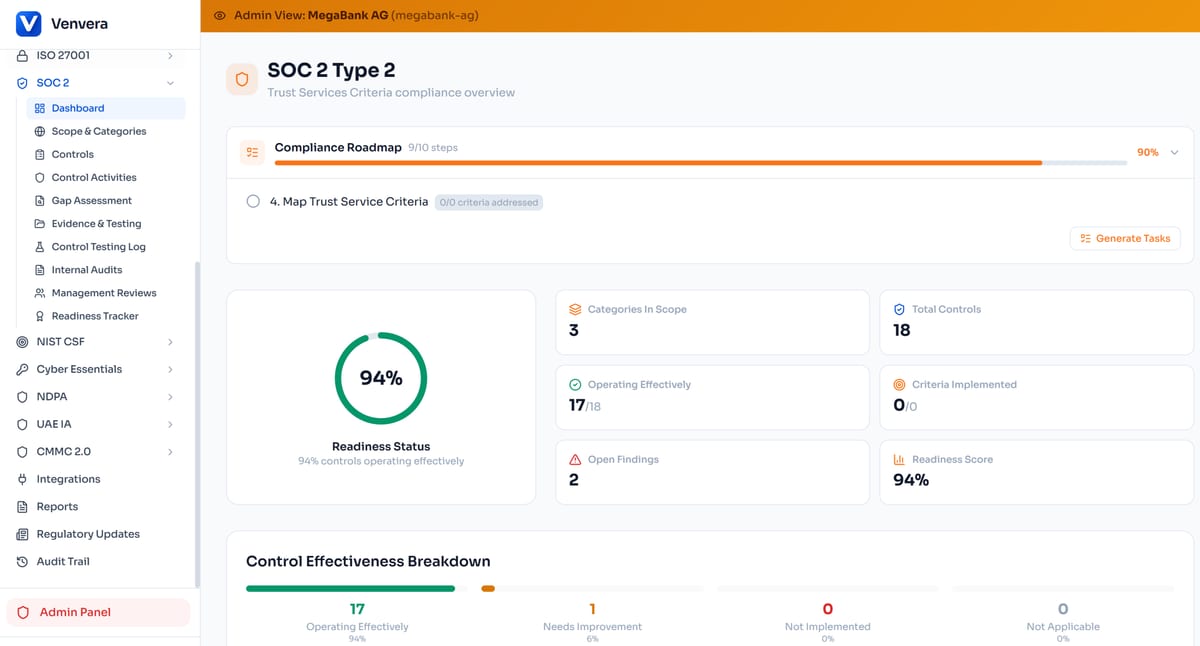
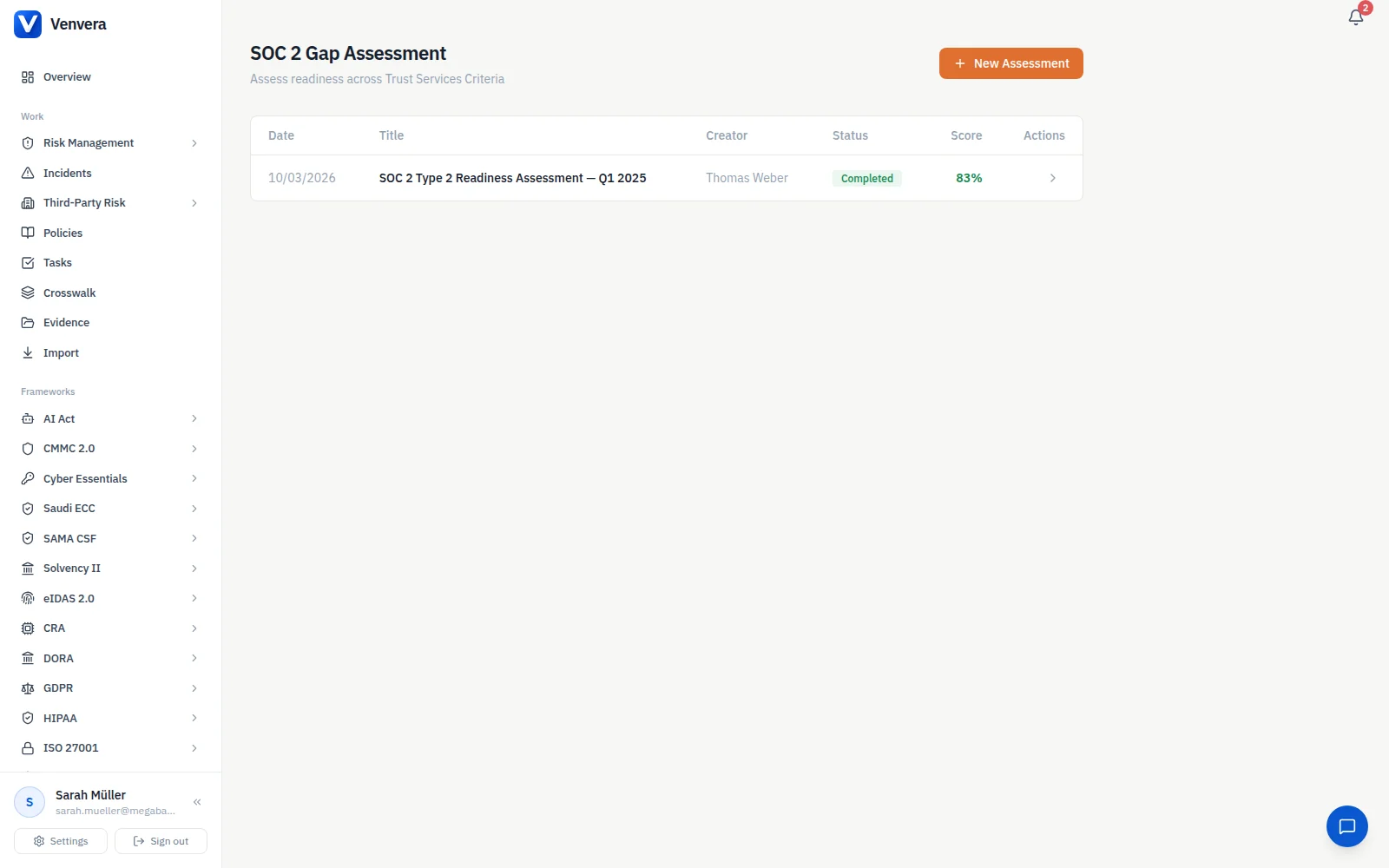
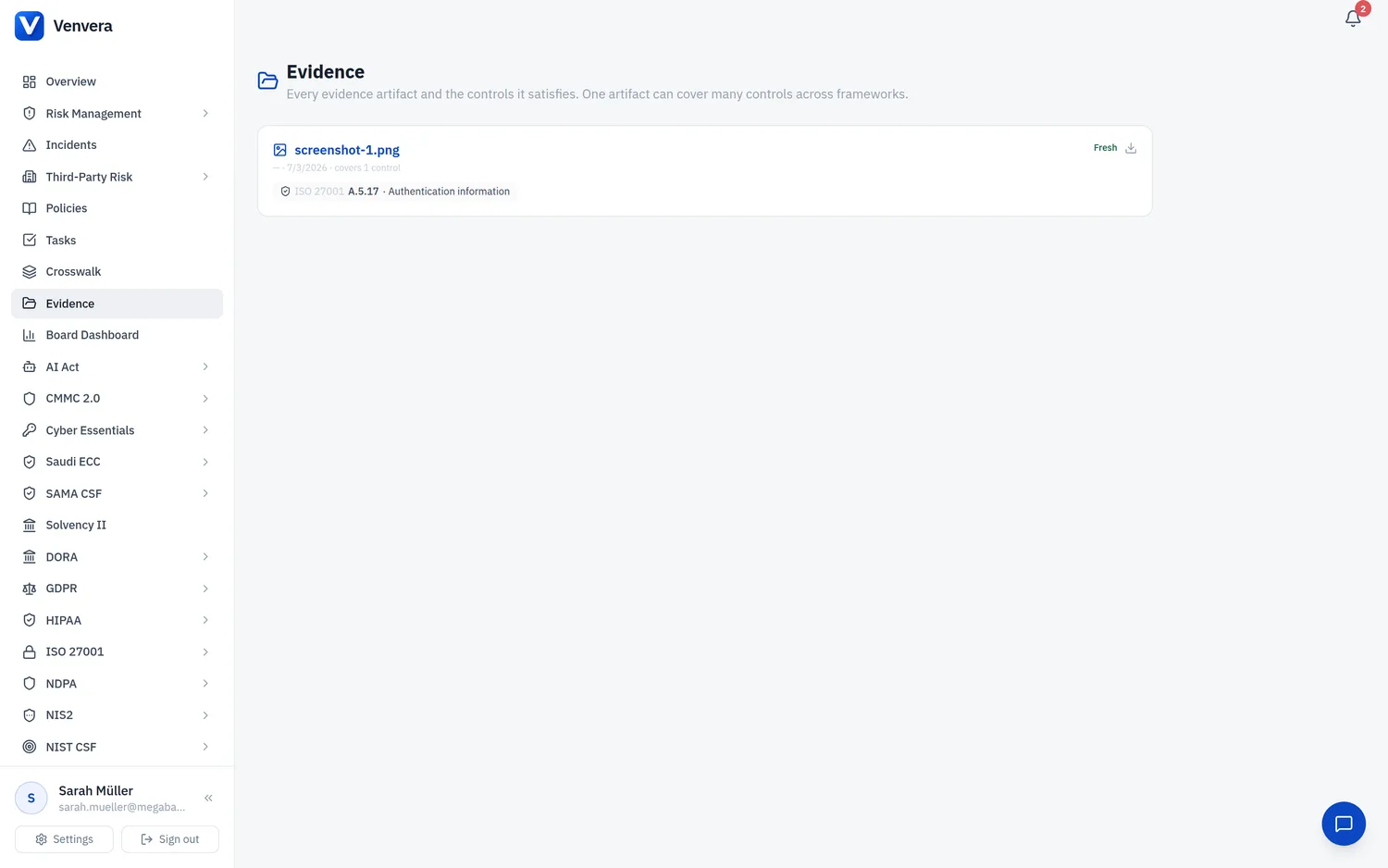
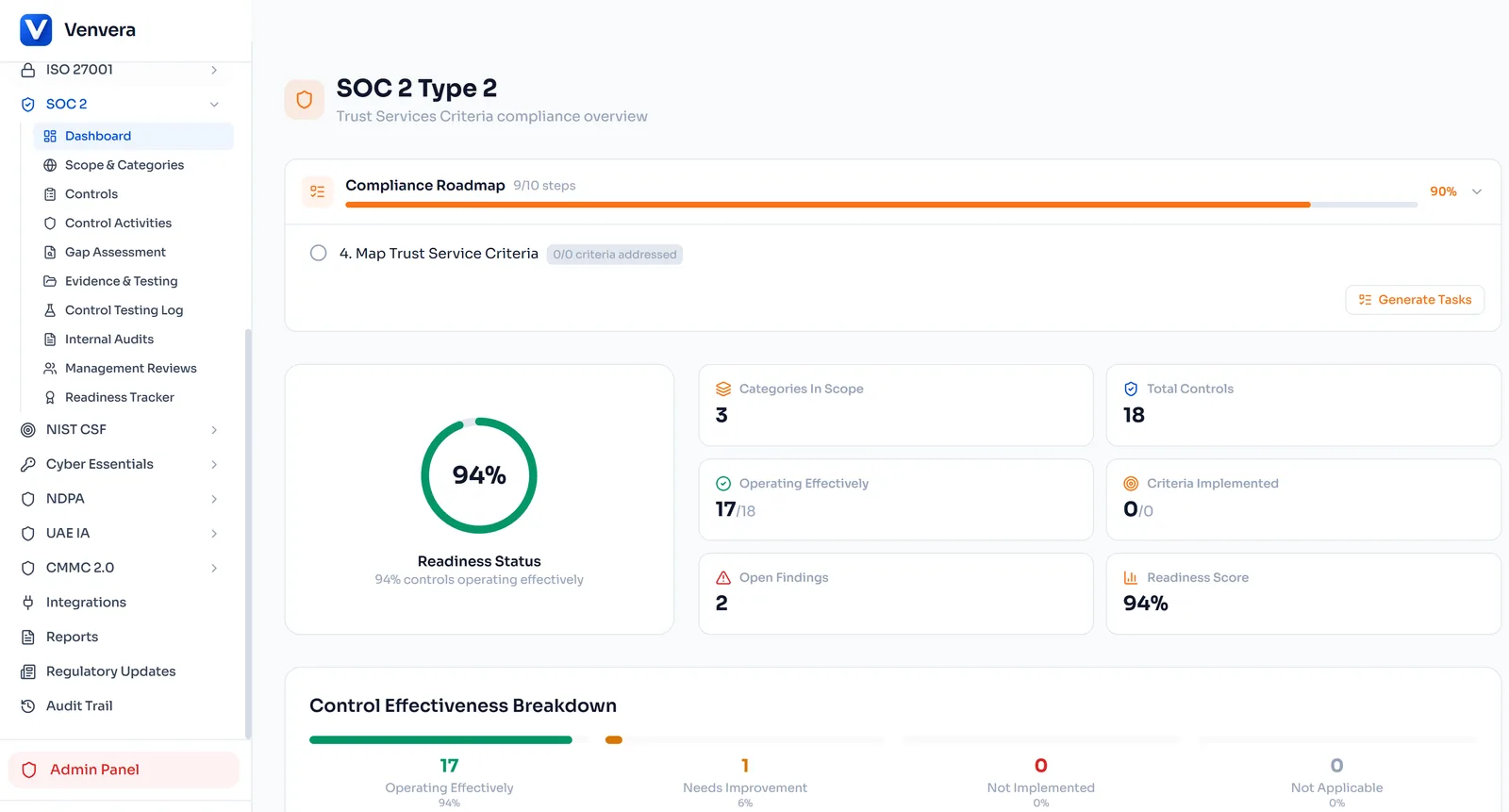
A spreadsheet is the right way to start, but it goes stale the moment you close it. In Venvera, the same readiness work becomes a living SOC 2 workspace: each criterion maps to controls, evidence is collected and refreshed on a schedule, and owners get reminders before an item drifts out of date. Because evidence is stored once and reused across every framework you run, the access review or logging control you prove for SOC 2 also counts toward the next standard instead of being re-collected from scratch. Plans start from EUR 399/month. If you are comparing tools, our guide to an alternative to Vanta for SOC 2 compliance lays out what to look for. The report still comes from your CPA firm; Venvera just makes the preparation continuous.
Frequently Asked Questions
Is there an official SOC 2 control checklist?
No. The AICPA defines the five Trust Services Criteria but does not publish a fixed control list. That is exactly why a readiness checklist that maps the criteria to concrete, evidenced items is worth building before your audit.
What is the difference between SOC 2 Type 1 and Type 2?
A Type 1 report tests whether your controls are designed correctly at a single point in time. A Type 2 report tests whether they operated effectively over a window, commonly 3 to 12 months. See our Type 1 vs Type 2 explainer for how to choose.
Can a software platform issue my SOC 2 report?
No. Only a licensed CPA firm can issue a SOC 2 report. Software helps you prepare and collect evidence, but the attestation itself must come from an independent auditor.
Which Trust Services Criteria do I need?
Security (the Common Criteria, CC1 to CC9) is mandatory for every SOC 2. Availability, Processing Integrity, Confidentiality, and Privacy are optional and included based on the commitments you make to customers.