
Best
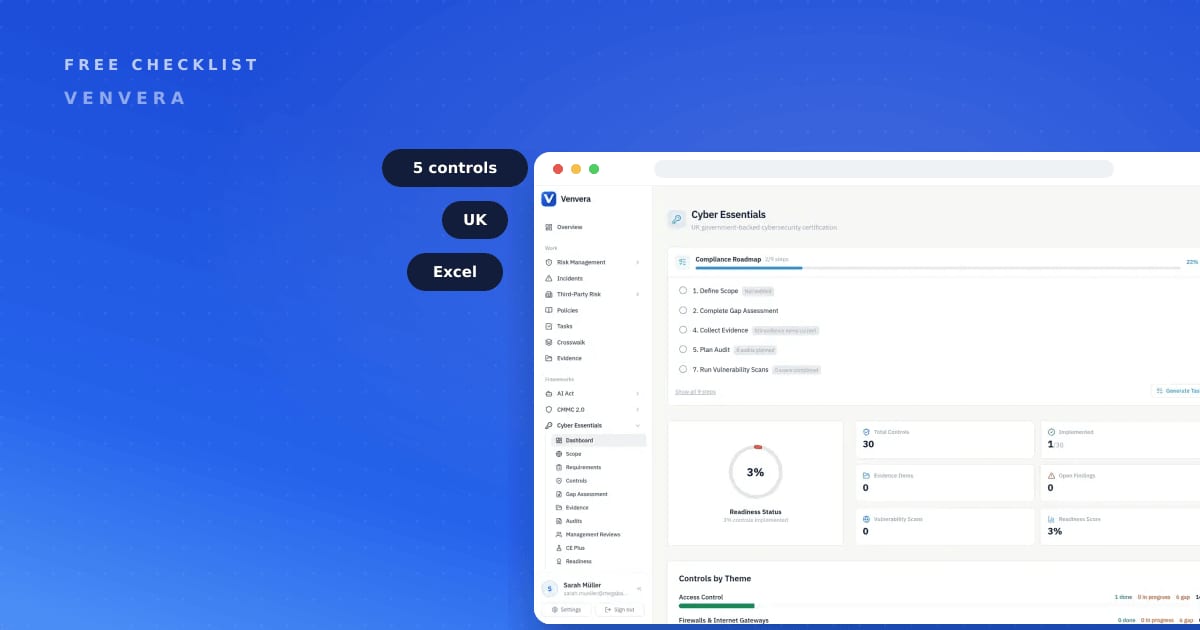
This Cyber Essentials checklist is a free, self-assessment spreadsheet that walks you through the five technical controls before you apply for certification. If you are a compliance lead, IT manager, or CISO preparing for a Cyber Essentials checklist review, it gives you a structured way to see exactly where you stand and what to fix first. Cyber Essentials is a UK government-backed scheme run by IASME under the NCSC, and it certifies five control areas: firewalls, secure configuration, security update management, user access control, and malware protection. This resource maps all five so nothing gets missed. It is not the official IASME assessment, but it mirrors the same control areas, so your answers and evidence are ready when you certify. Download it below and start self-assessing in minutes.
Free download
Get the Cyber Essentials Readiness Checklist
Self-assess against the five Cyber Essentials technical controls before you certify. 47 items.
What the Cyber Essentials Readiness Checklist covers
The file is a single Excel workbook with 47 items spread across the five Cyber Essentials control areas, so every question maps back to something an assessor will actually look at. Each row is a concrete requirement, and each column helps you turn a vague "we think we are fine" into evidence you can point to.
Inside you will find columns for:
- Control area - which of the five it belongs to (firewalls, secure configuration, security update management, user access control, or malware protection).
- Requirement - the specific thing to check, written in plain English.
- Status - a dropdown for Met, Partial, Not met, or Not applicable.
- Evidence and notes - where you record the screenshot, policy, or config that proves it.
- Owner - the person accountable for closing the gap.
- Priority - so you fix the blocking items before the nice-to-haves.
The 47 items are grouped by the five controls, which means you can hand one section to your network engineer and another to whoever manages laptops, and everyone works in the same file.
Filling the sheet in takes an afternoon. Closing what it exposes is the real project, and the usual bottleneck is unsupported software and local admin rights on laptops, because both need someone to change how people work rather than change a setting.
Cyber Essentials the honest way: what actually matters
Cyber Essentials is a UK government-backed scheme run by IASME under the NCSC. It certifies five technical controls, and the scheme is built around getting these five basics right rather than chasing exotic threats. Here is what each one actually asks of you. As regulation goes, this one is well drafted: five controls, plain language, and no pretence that a small firm should be running a threat-intelligence function. The narrowness is the point, and it is why holding the certificate is a reasonable thing for a buyer to ask for.
- Firewalls - every device that connects to the internet sits behind a correctly configured firewall or equivalent, with default passwords changed and unnecessary inbound access closed.
- Secure configuration - devices and software are set up to reduce their attack surface: remove or disable what you do not use, and never ship default credentials.
- Security update management - software is supported, licensed, and patched, with high and critical updates applied promptly.
- User access control - accounts belong to named individuals, admin rights are limited and used only when needed, and leavers lose access.
- Malware protection - you defend your devices against malware, whether through anti-malware software, application allow-listing, or sandboxing.
Ranked by difficulty this list is lopsided. Firewalls and malware protection are usually a morning of evidencing tooling you already run. Secure configuration and user access control are where organisations actually come unstuck, because they expose years of accumulated convenience: shared logins, local admin handed out to stop support tickets, and machines nobody has rebuilt since the day they were bought. Security update management is the one that catches you quietly, since a single unsupported operating system left in the estate undermines an otherwise clean answer.
Two things people get wrong. First, certification is a self-assessment that a certification body verifies: you answer the official IASME question set honestly, and a certifying body checks it. Second, Cyber Essentials Plus is not a different set of controls; it is the same five, but with an independent, hands-on technical audit on top. Passing the self-assessment first is the sensible route to Plus. Cyber Essentials is aimed at organisations of all sizes, especially SMEs, and many UK public-sector contracts require you to hold the certificate before you can bid, which is why getting the five controls right early matters.

How to use the Cyber Essentials Readiness Checklist
Have the scoping conversation before you touch a single row. The argument that eats the most time is what counts as in scope: home workers, the legacy server everyone forgot, the developer laptops running something unusual. Settle it early and in writing, because re-scoping halfway through means re-answering half the sheet.
- Download the file below and open it in Excel or Google Sheets.
- Assign an owner to each of the five control areas so no section is orphaned.
- Go row by row and set each item's status to Met, Partial, Not met, or Not applicable. Be honest, not optimistic.
- For every Met item, drop the evidence (screenshot, policy link, config export) into the notes column so it is ready when you certify.
- Sort by Priority and work the Not met and Partial items first.
- Re-run the Cyber Essentials checklist a week before your assessment to confirm nothing has drifted.
Do this automatically in Venvera
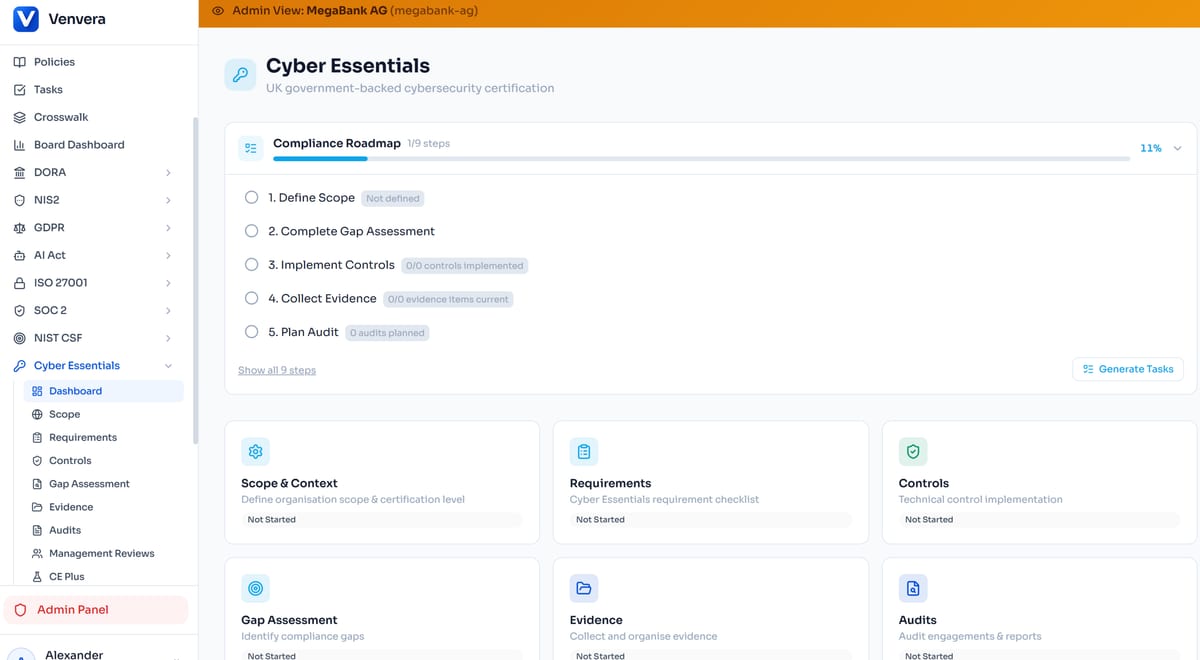
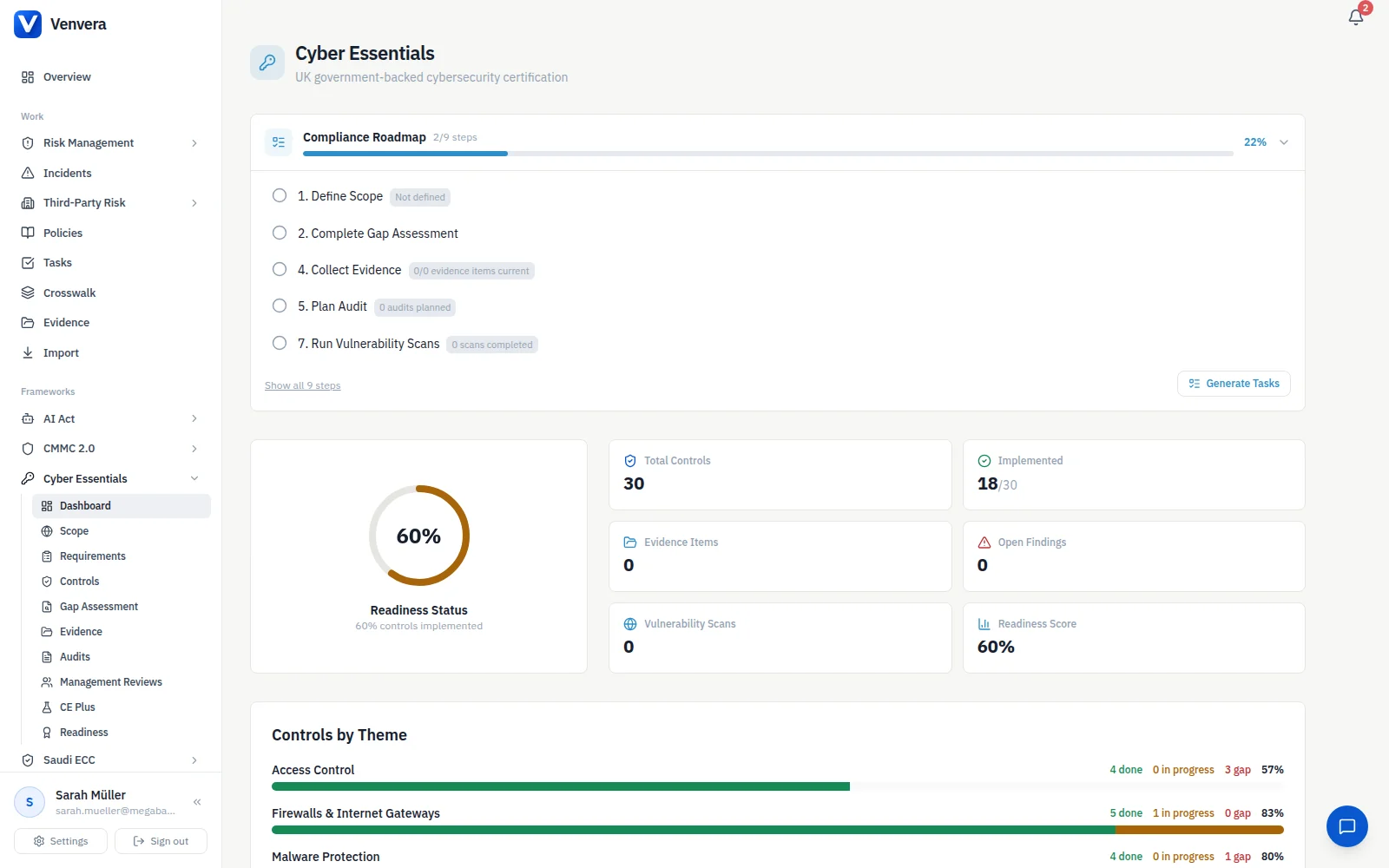
The spreadsheet is a solid starting point, but a static file goes stale the moment your firewall rules or user list change. In Venvera, the same five control areas live in a continuously tracked workspace: Cyber Essentials in the product keeps each control current, stores the evidence behind it, and reuses that evidence across other frameworks you may also need, so you answer once and satisfy many. Plans start from EUR 399/month. You still own the certification decision. Venvera just removes the copy-paste and the spreadsheet drift between now and your assessment.
Frequently Asked Questions
Is this the official Cyber Essentials assessment?
No. This is a readiness checklist that maps the five Cyber Essentials control areas so you can self-assess and gather evidence in advance. The official assessment is the IASME question set, which you submit through a certification body.
What is the difference between Cyber Essentials and Cyber Essentials Plus?
They cover the same five technical controls. Cyber Essentials is a self-assessment verified by a certification body, while Cyber Essentials Plus adds an independent, hands-on technical audit to confirm the controls are actually in place. The gap between them is honesty under testing. It is entirely possible to answer the self-assessment truthfully and still be caught out by what a hands-on audit finds, which is why treating the self-assessment as a dry run is the right posture if Plus is on your roadmap.
Who needs Cyber Essentials?
It is aimed at organisations of all sizes, especially SMEs, and is often required to bid for UK public-sector contracts. If a tender lists it as a prerequisite, you need the certificate before you can submit.
How many controls does the Cyber Essentials checklist cover?
Five technical controls: firewalls, secure configuration, security update management, user access control, and malware protection. This checklist breaks them into 47 concrete items so you can see the gaps clearly.